How-to guides
Short screen recordings with every step written out, recorded from the current version of PinSigma. Questions? Email hello@pinsigma.com.
Setup
Getting started
Create your account and organization, find your way around Home, and add the centers where you run events.
4 steps
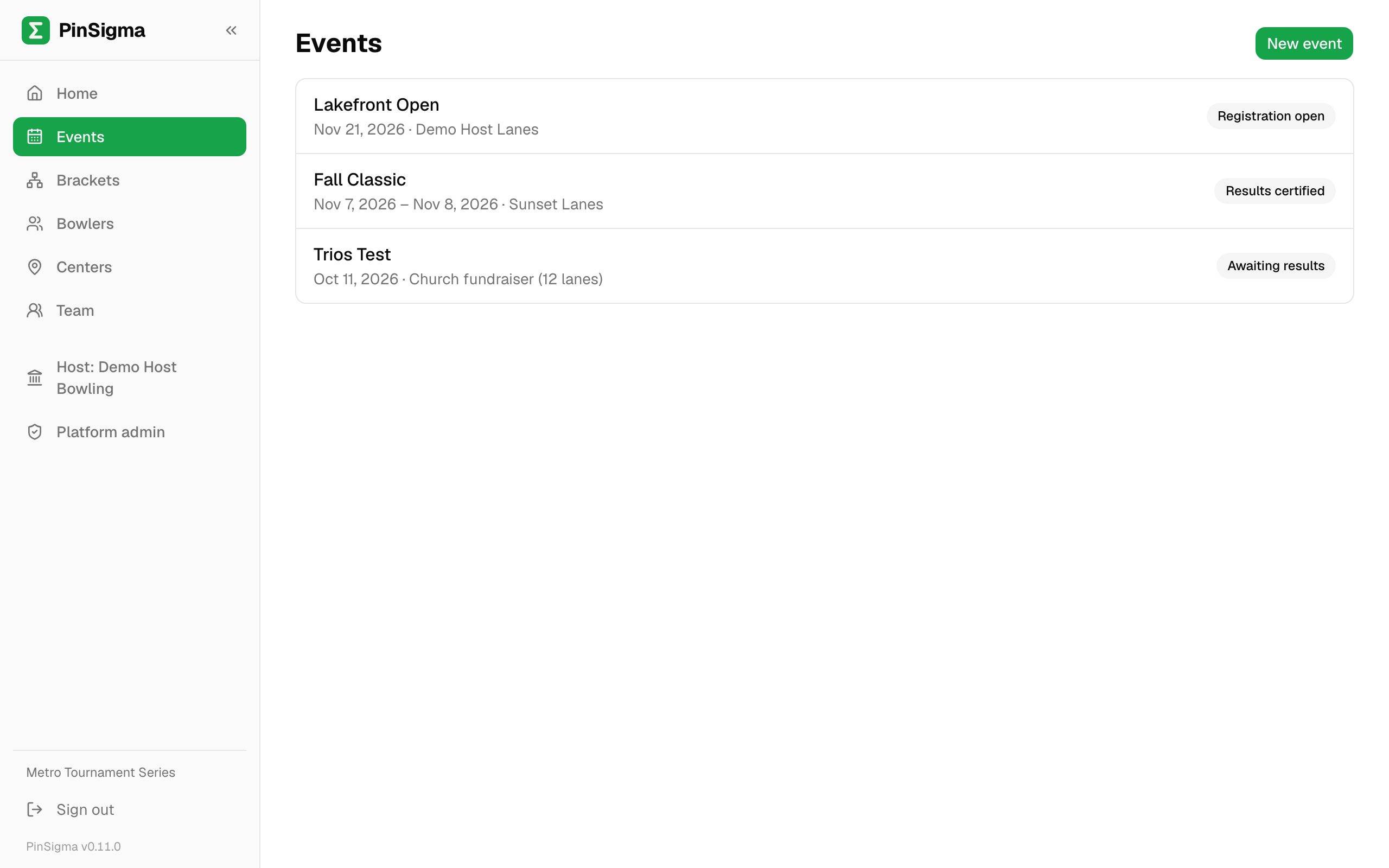
Create an event
Start a tournament: name it, pick the bowling center and set the dates. Then the setup checklist shows what's left before you open registration.
4 steps
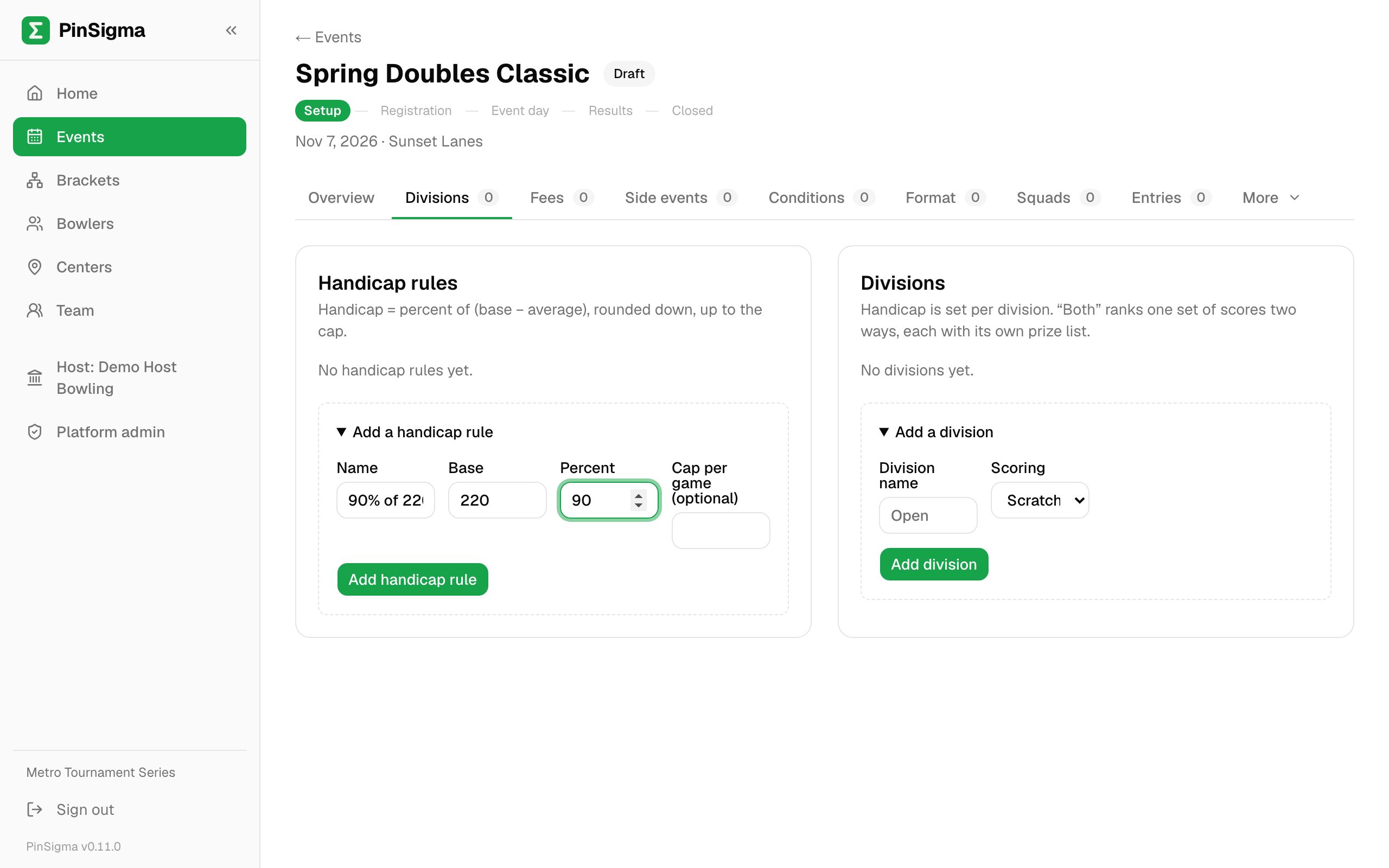
Set up divisions, handicap and entry fees
Add a handicap rule and a division, then an entry type whose fee is split into buckets (prize fund, lineage and so on) so every dollar has a destination.
6 steps
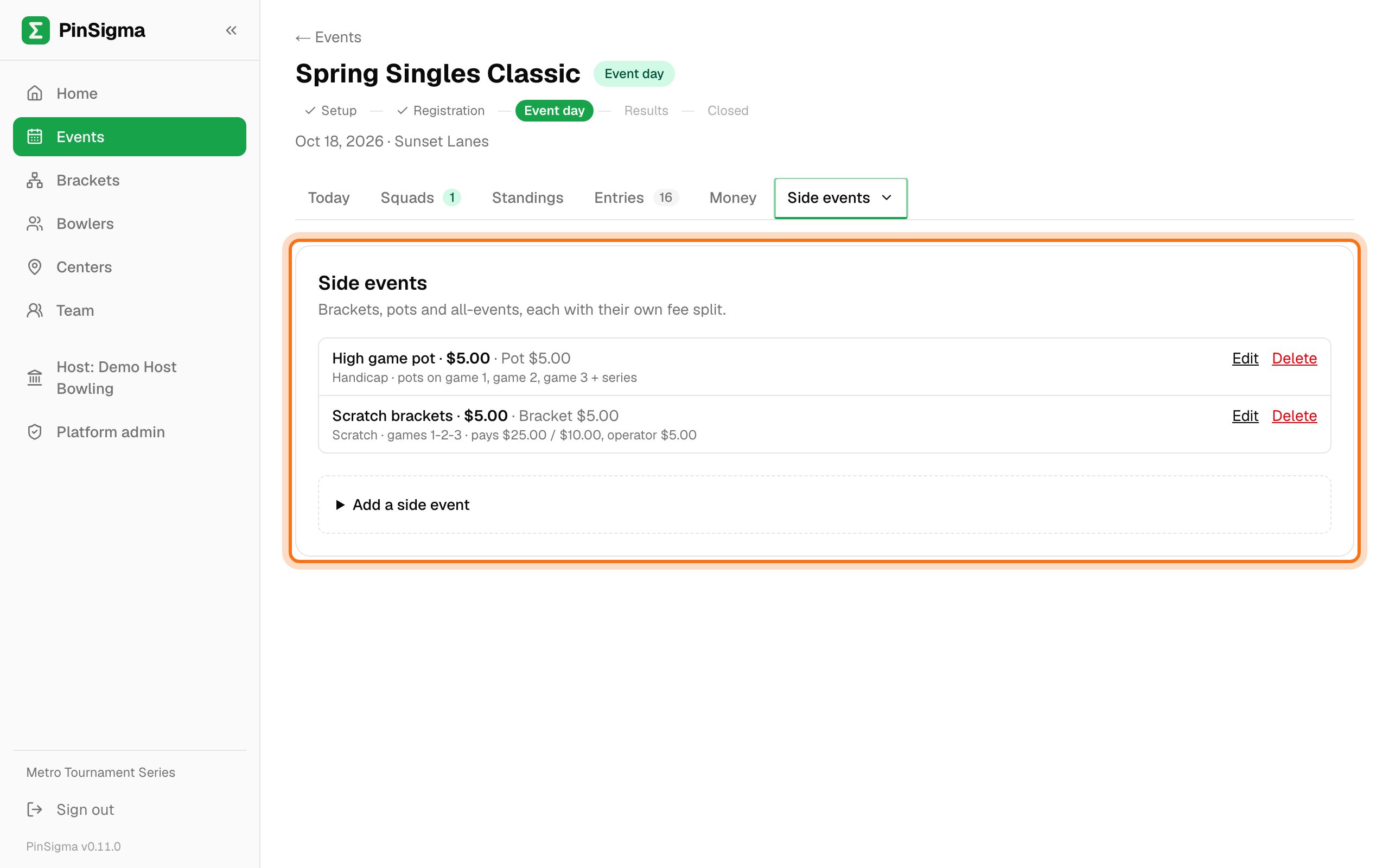
Brackets and pots at a tournament
Add bracket pools and high game pots to a tournament as side events, take them with each entry, and follow them live: drawn when the squad locks, results as scores come in, winnings paid with the prize list.
4 steps
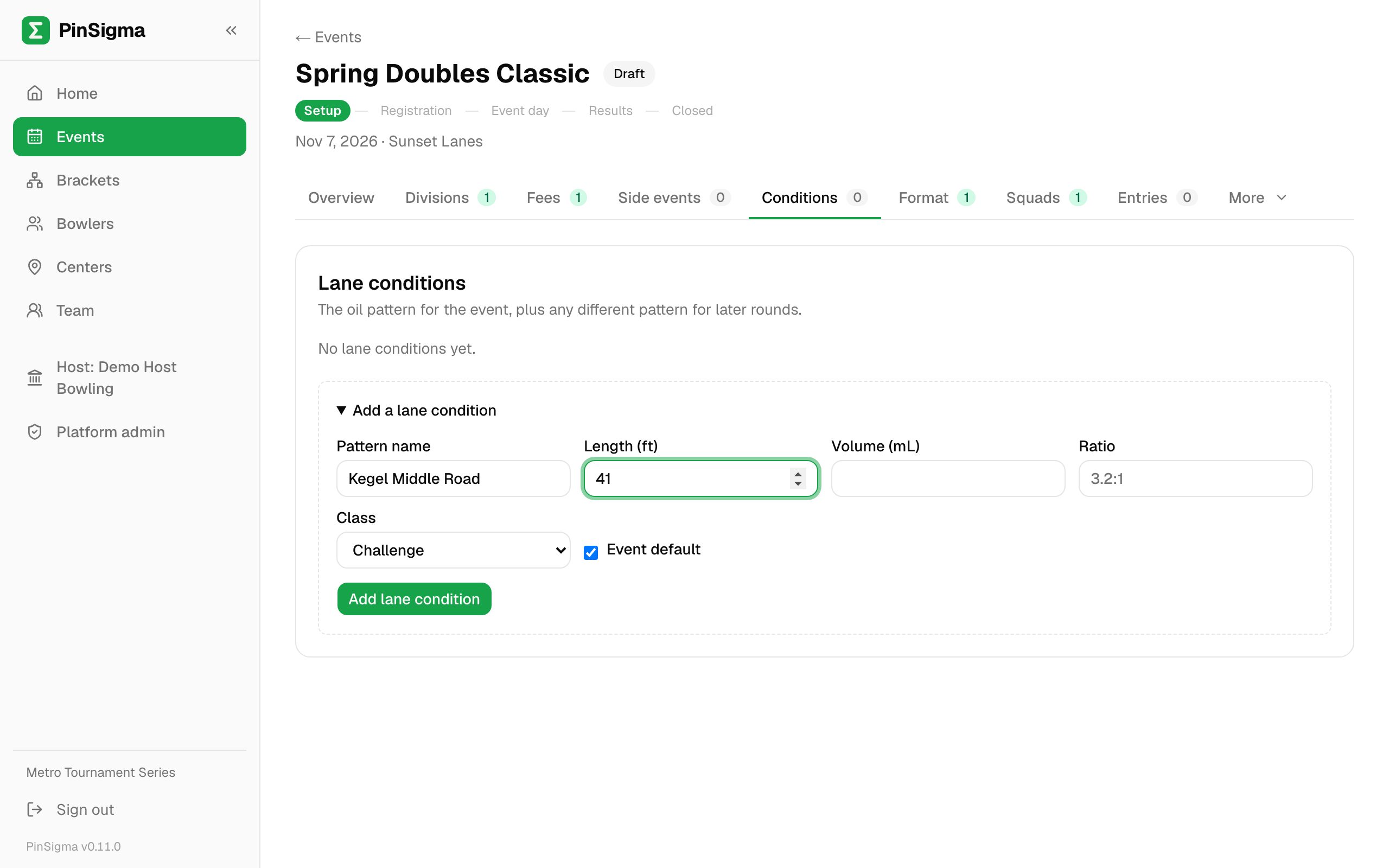
Set the lane conditions
Record the event's oil pattern and its class (house, Challenge or Sport), so entering averages convert to it under USBC rules.
2 steps
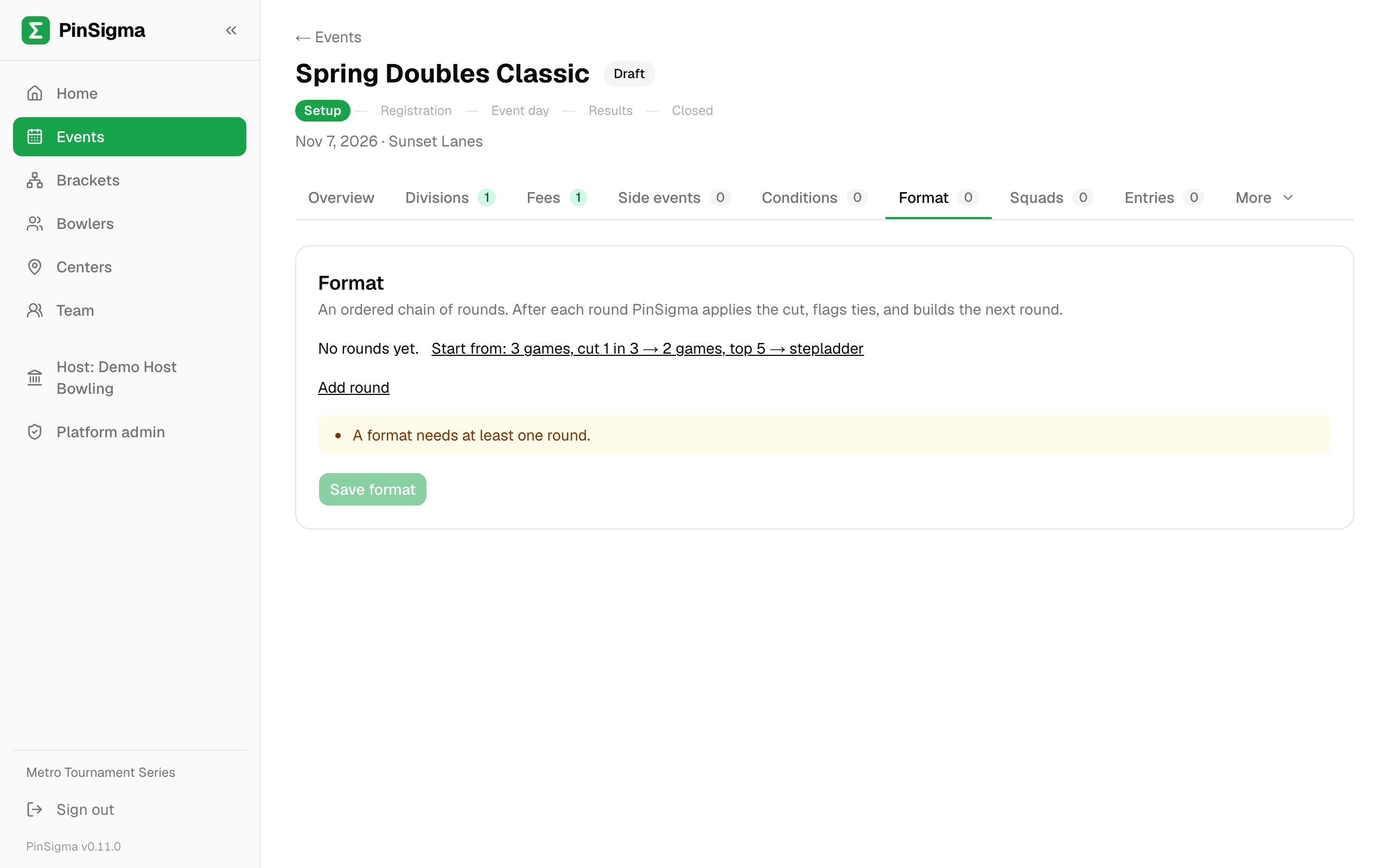
Set up the format and squads
Build the tournament's rounds (games, cuts, carry-over, ties) and add the squads bowlers sign up for, with their start times and lanes.
5 steps
Registration
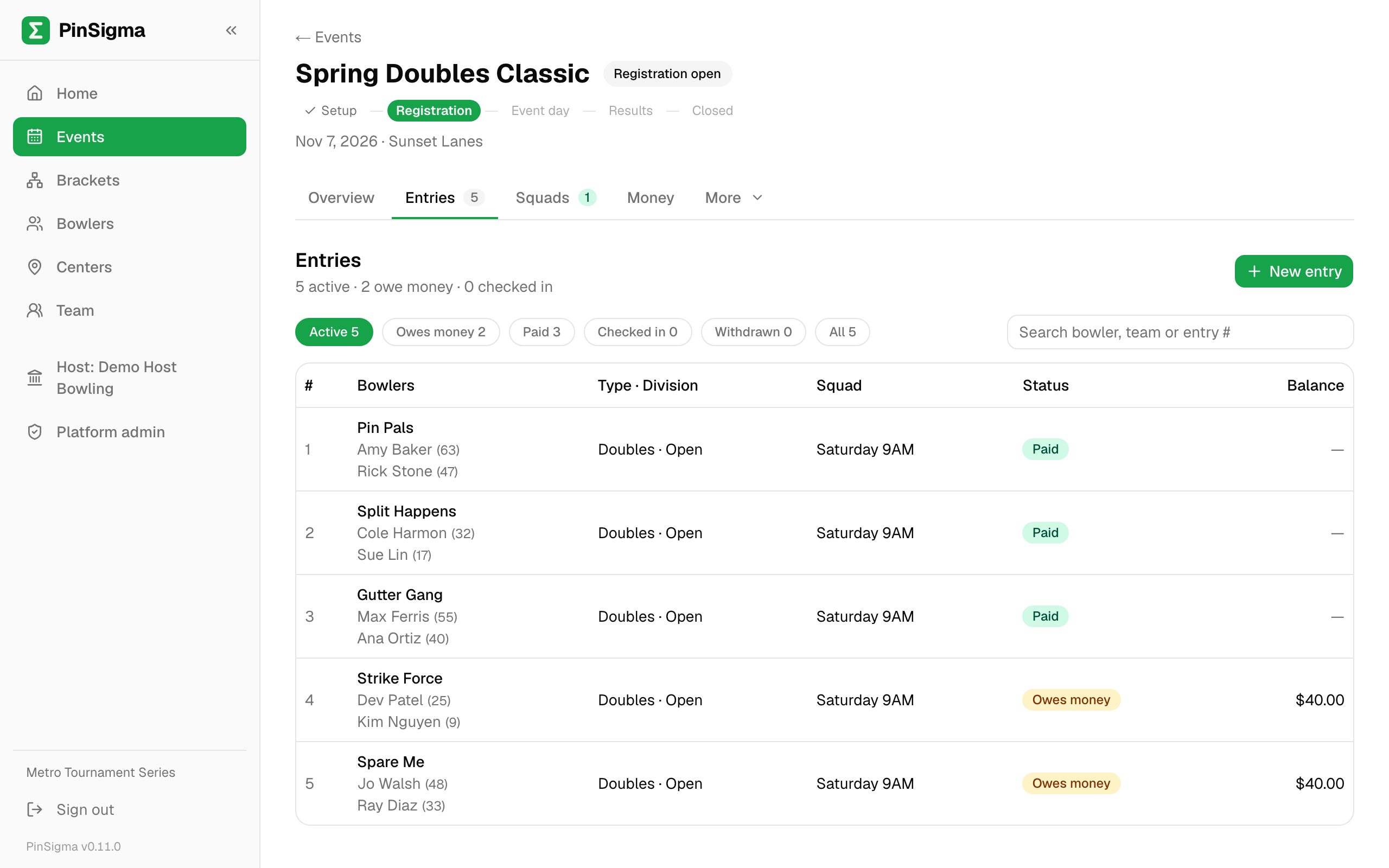
Take entries and payments at the desk
Add an entry for walk-ups or phone-ins, find bowlers already on file, take payment, and collect from entries that still owe.
8 steps
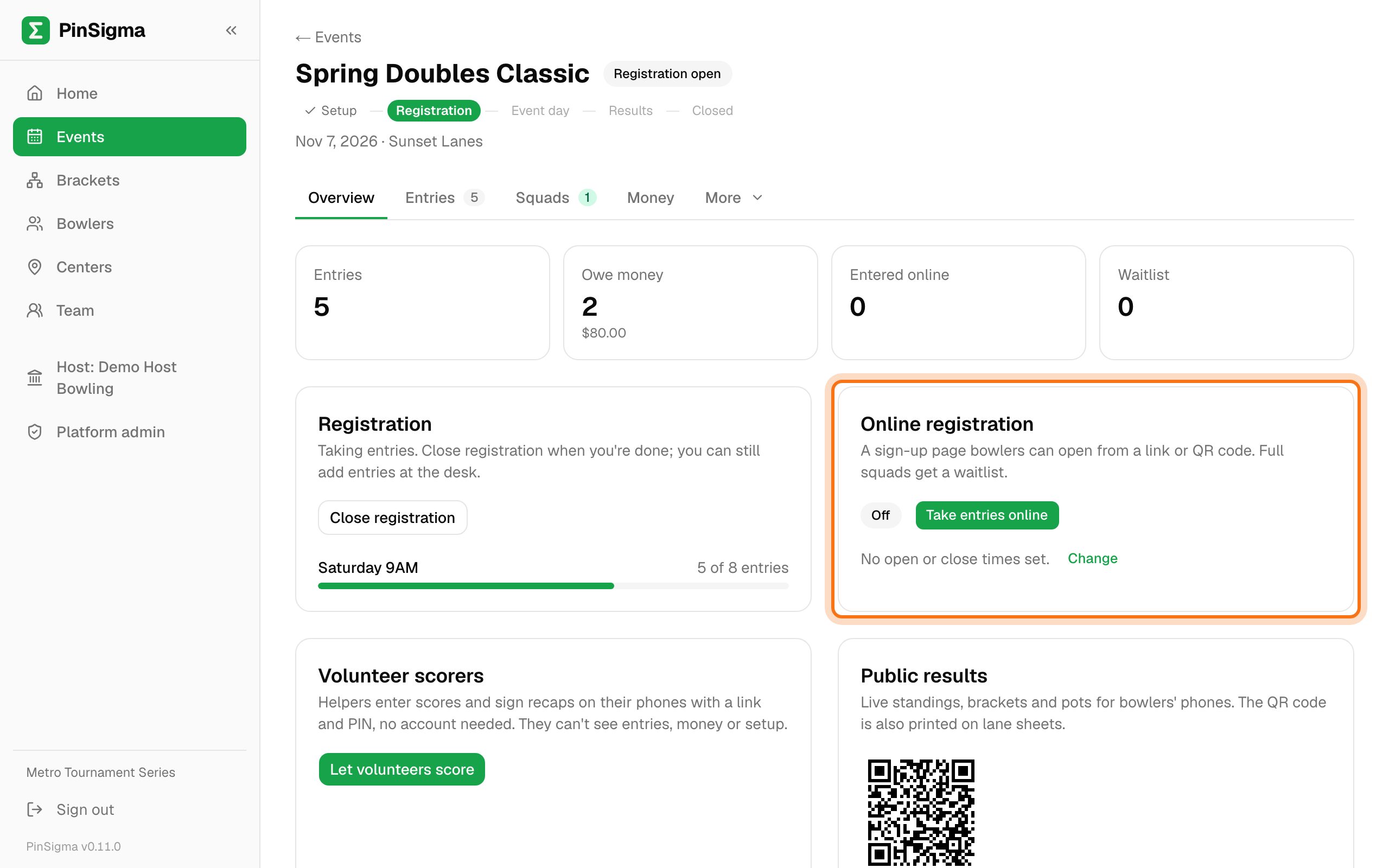
Take entries online
Turn on online sign-up, share the link or QR code, and see what bowlers do on their phones: enter the whole team, pay cash at check-in, or join the waitlist when a squad is full.
7 steps
Event day
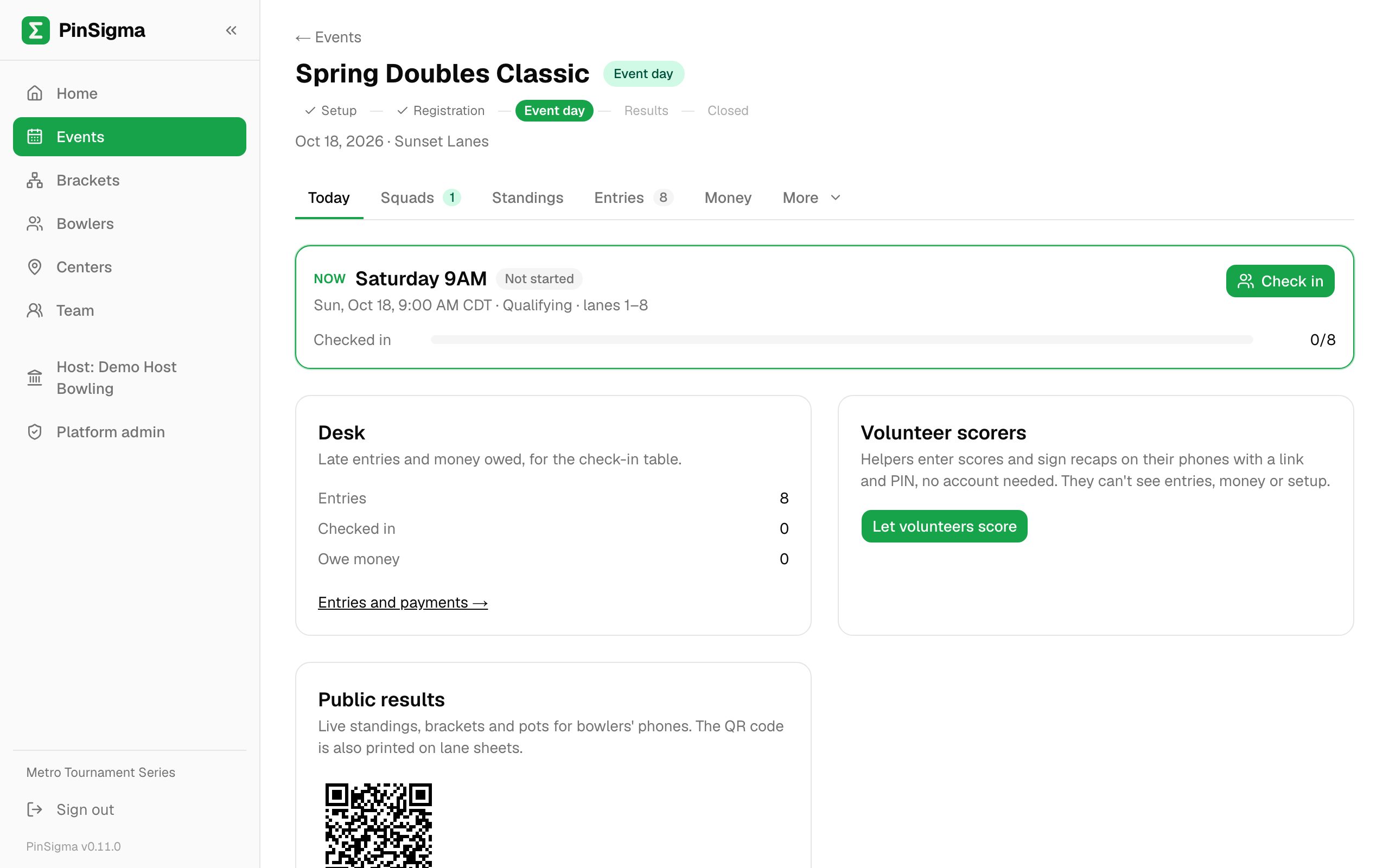
Check in a squad and draw lanes
Check bowlers in as they arrive, lock the squad to draw lanes (and brackets), and print lane sheets and recap sheets.
6 steps
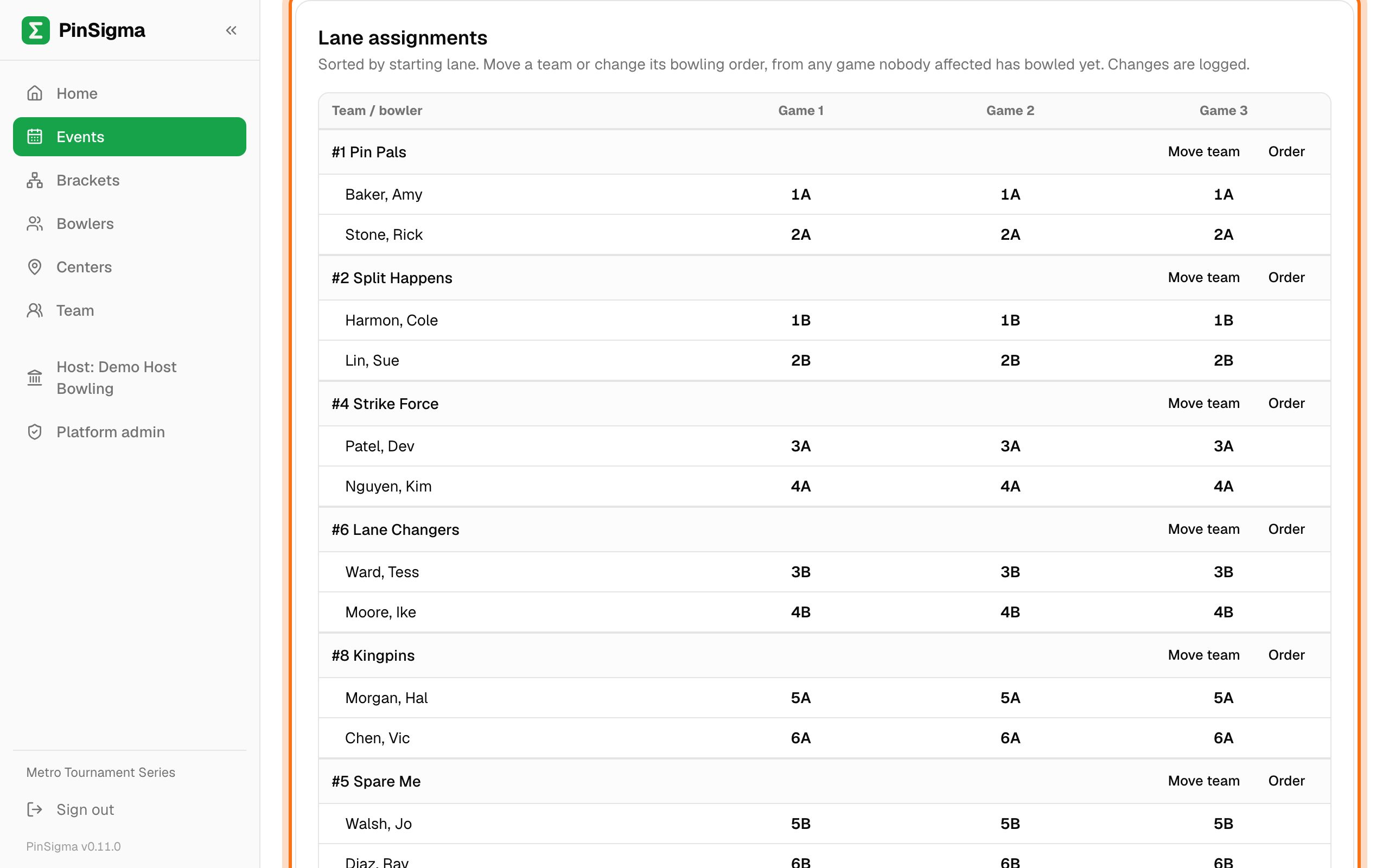
Change lane assignments
Move a team to another lane, change the bowling order within a team, and move a pair that breaks down to a spare pair, from any game not yet bowled.
5 steps
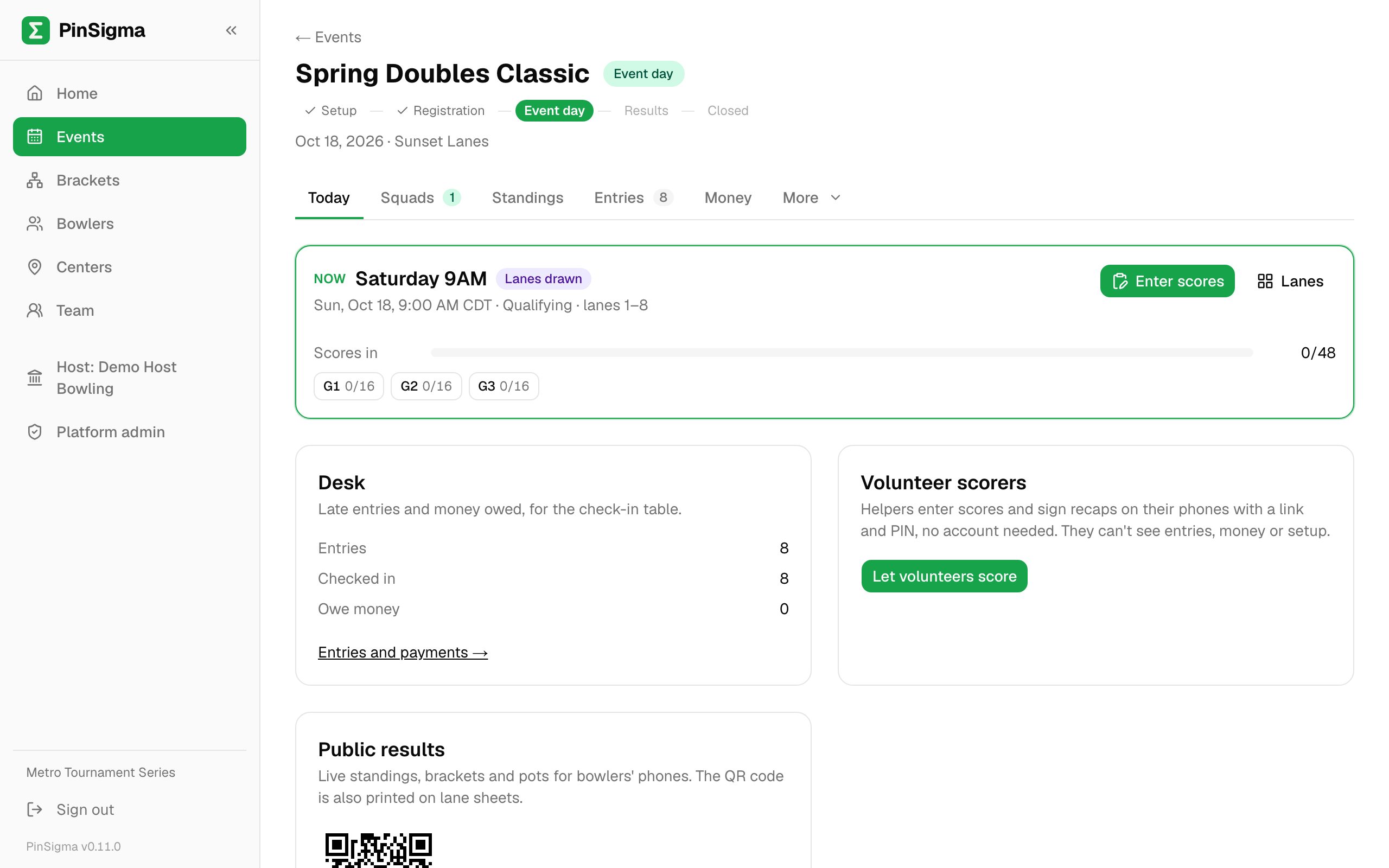
Enter scores and sign recaps
Enter a squad's scores a game at a time at the desk, or a recap at a time on a phone, correct a score, and record that the bowler signed their totals.
8 steps
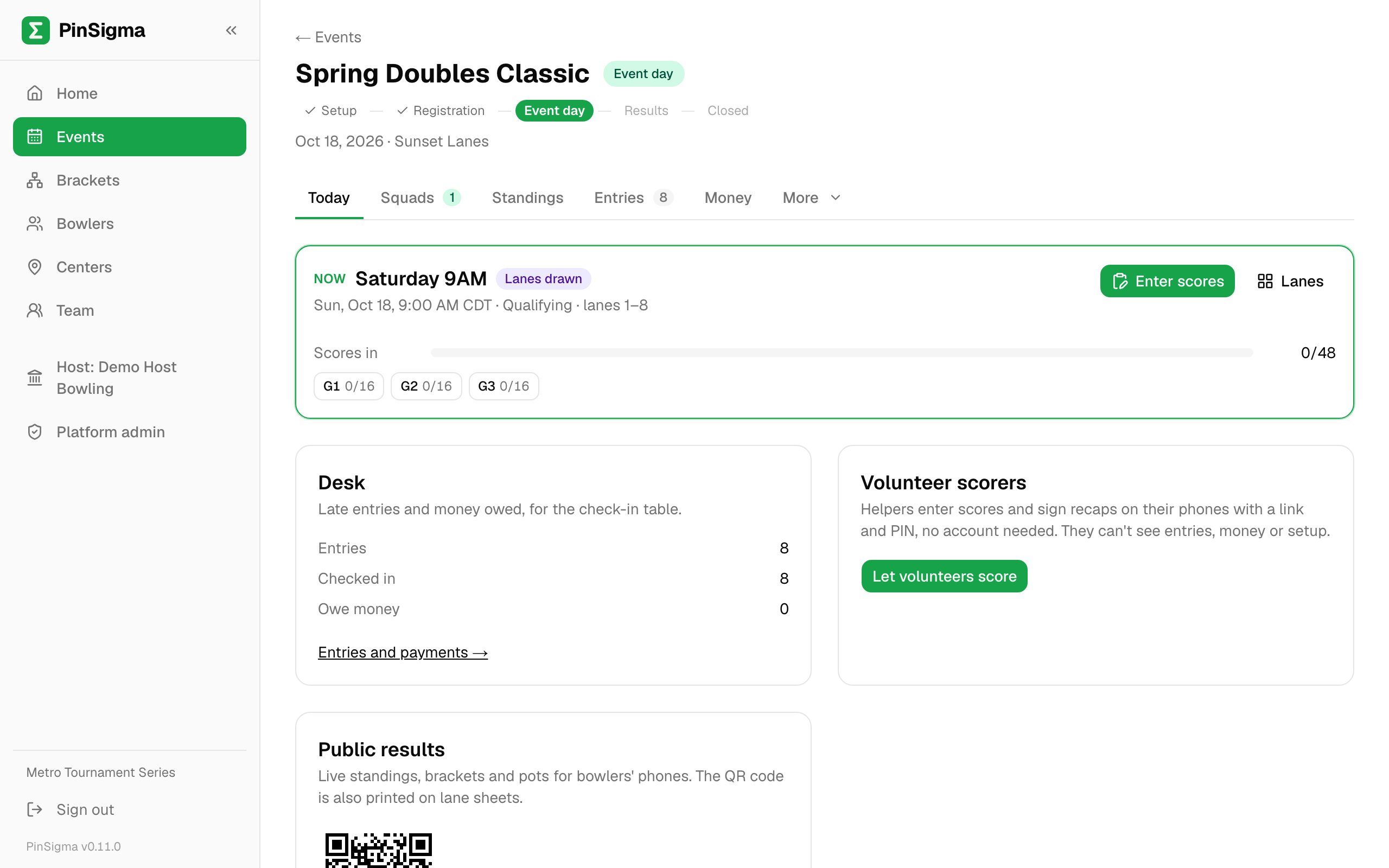
Let volunteers enter scores
Give helpers a link and PIN so they can enter scores and sign recaps on their phones, with no account and no access to anything else.
9 steps
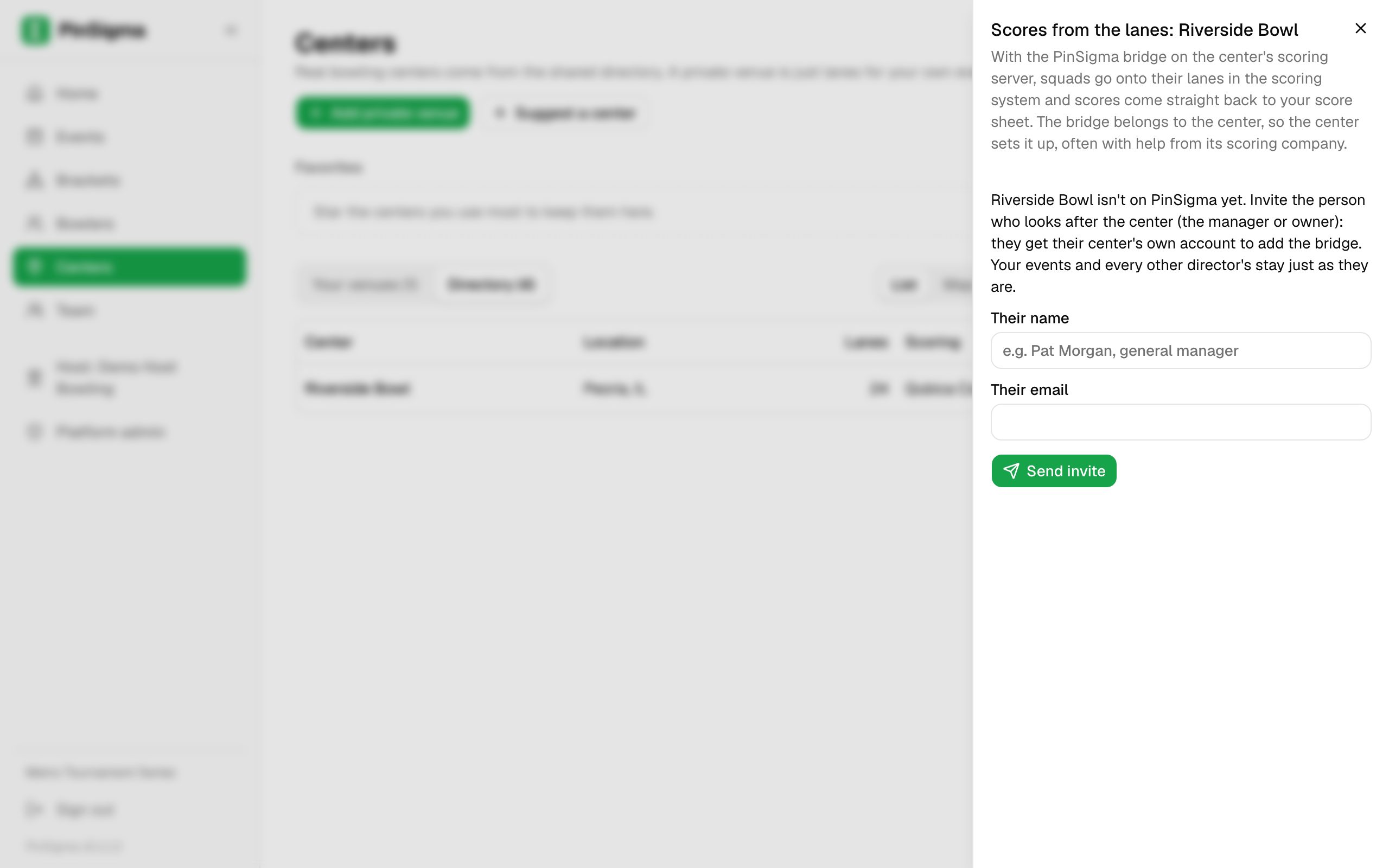
Scores from the lanes
Get scores straight from a center's scoring system with the PinSigma bridge: ask the center, the center adds the bridge and hands a setup sheet to whoever installs it, and scores come in on their own.
7 steps
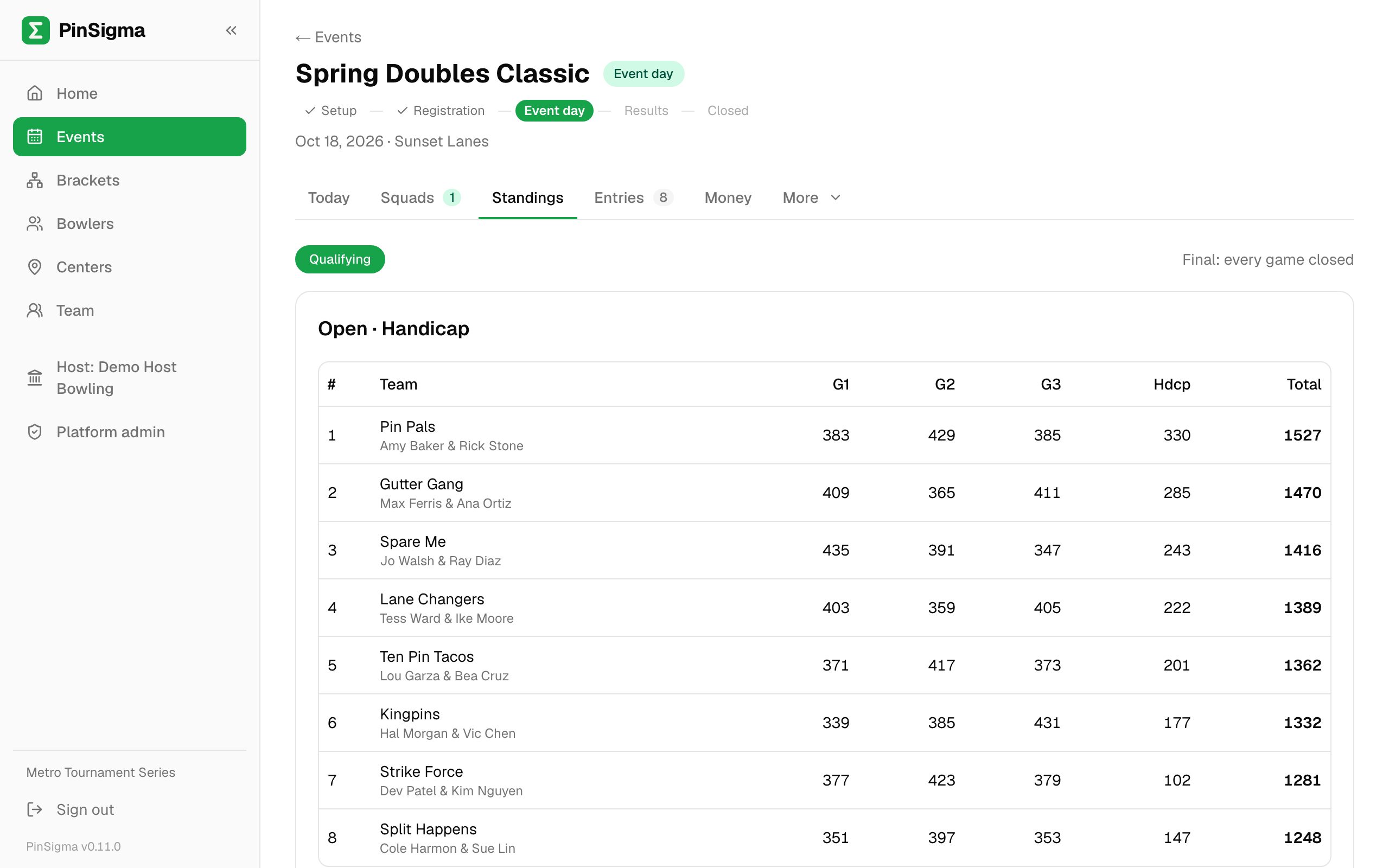
Follow standings and live results
Watch standings update as scores come in, see who makes the cut, and give bowlers live results on their phones.
3 steps
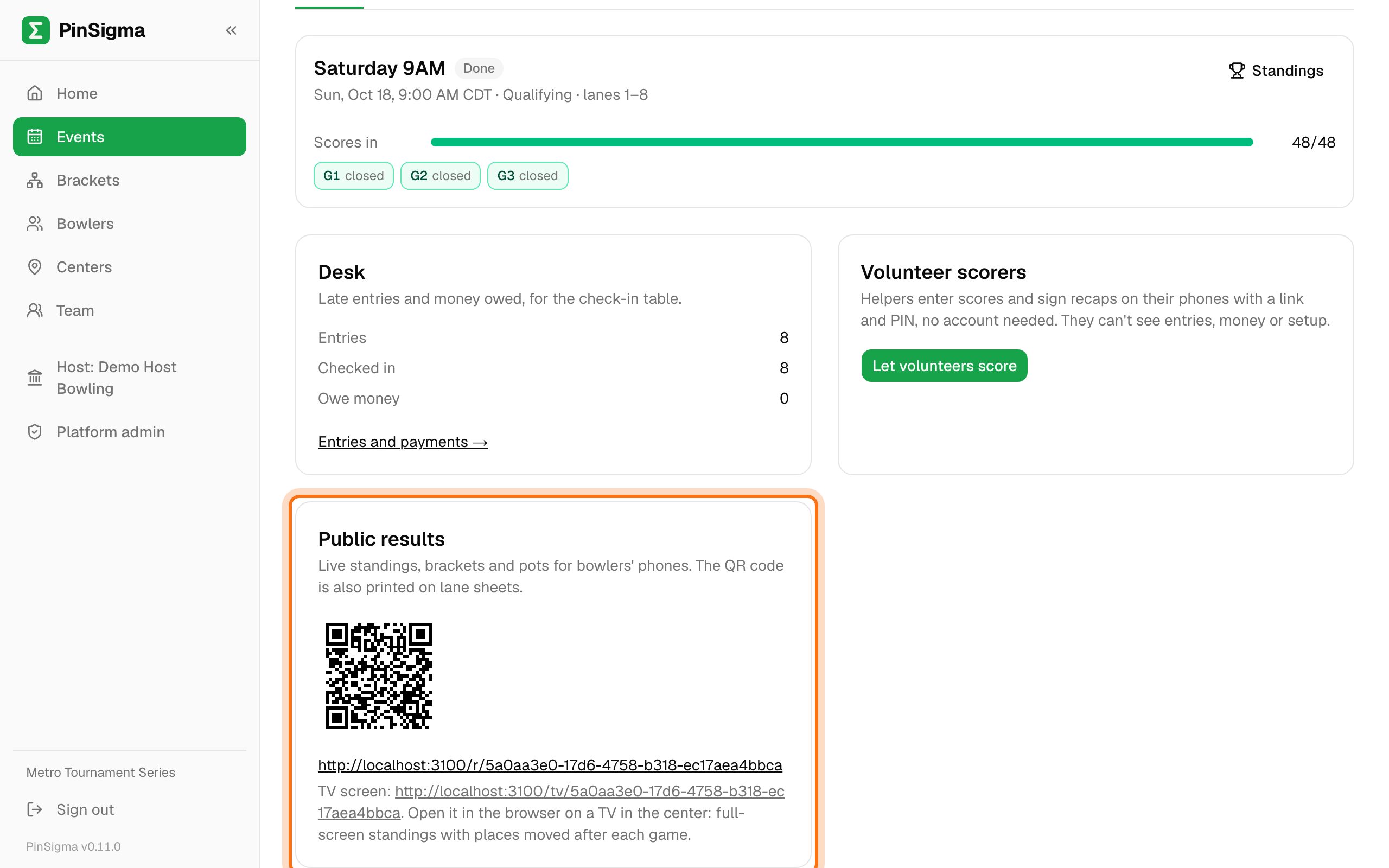
Standings on a TV
Put live standings on a TV in the center: full-screen, updated as each game closes, with green and red arrows for places moved since the game before.
3 steps
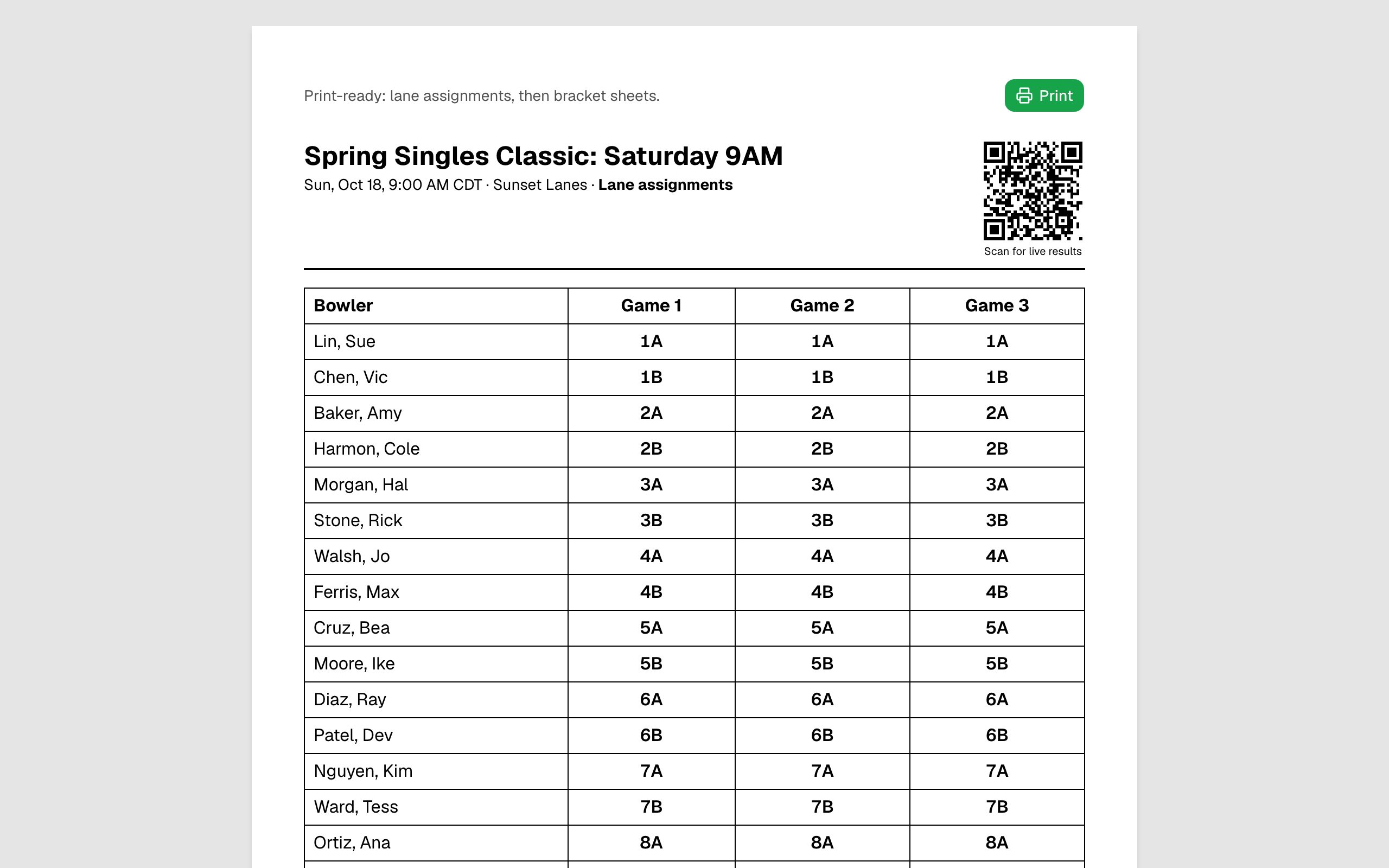
Printouts
What to print and when: lane sheets, recap sheets (full, half or quarter), bracket sheets and the lineage statement. Everything prints on US Letter.
4 steps
Results
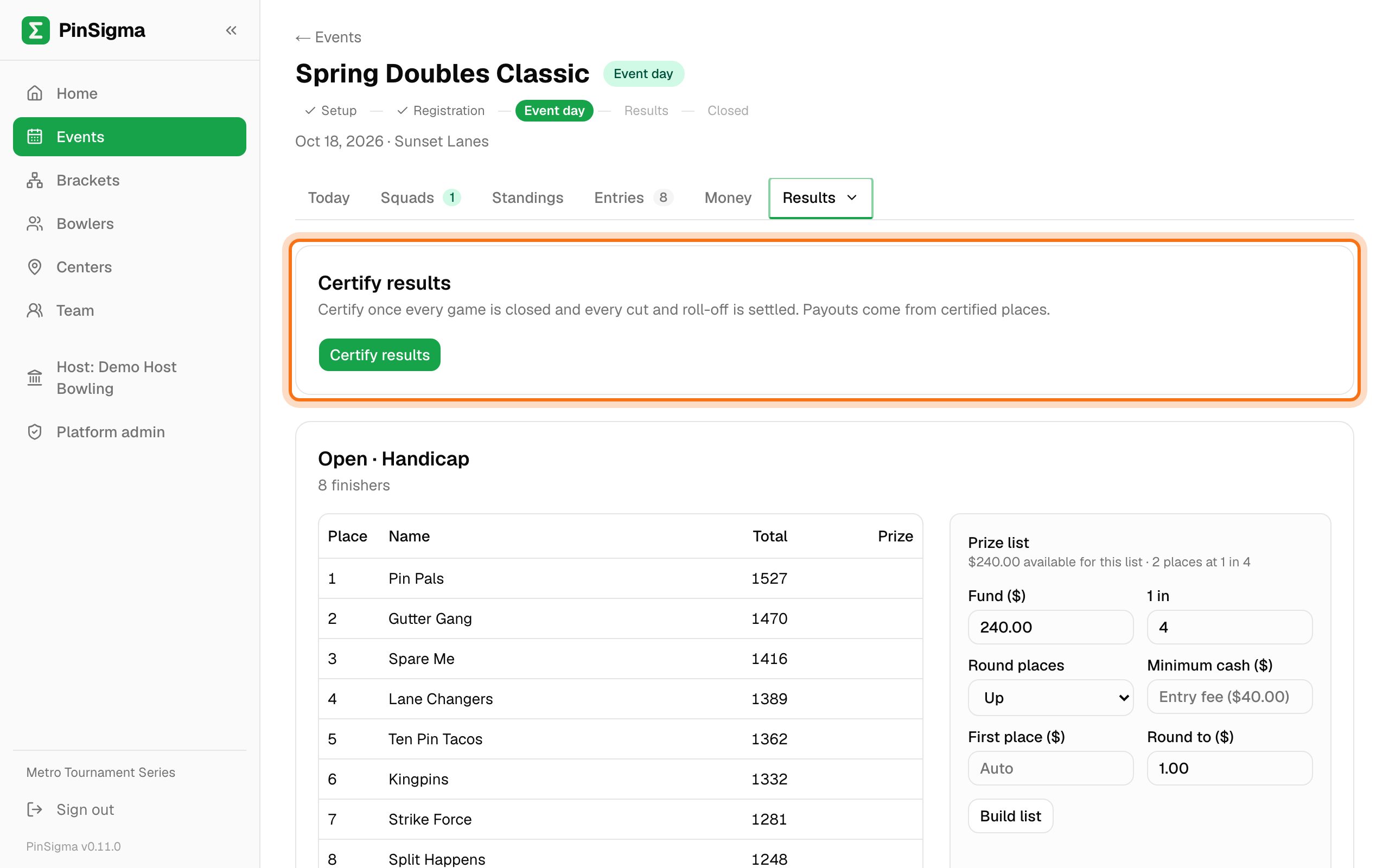
Certify results and pay out
Lock the final results, build the prize list from the fund and ratio, generate payouts and record each one as it's paid.
5 steps
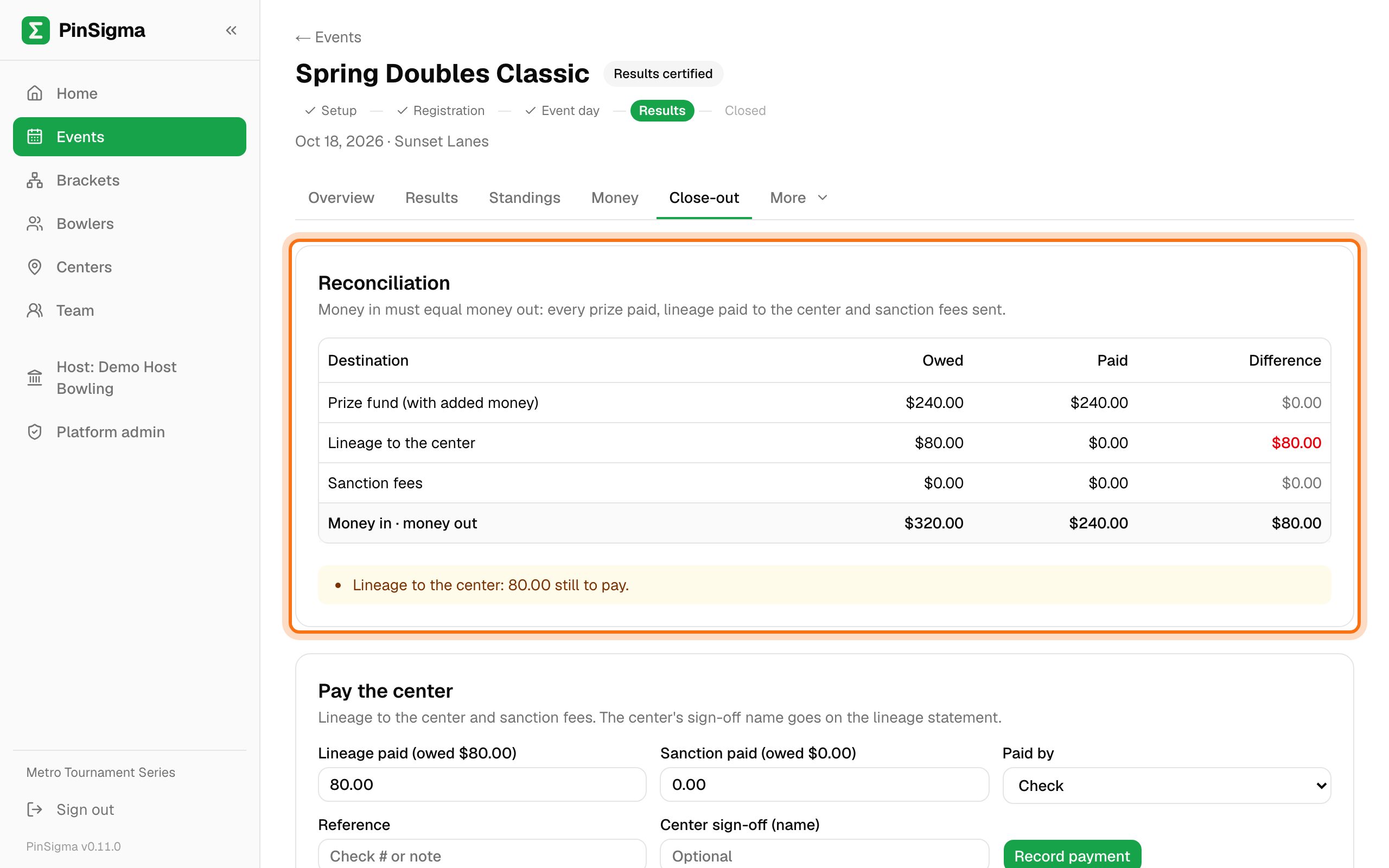
Close out the event
Reconcile the money (every dollar in has gone out), pay the center its lineage, close the event, and copy it for next year.
4 steps
Brackets
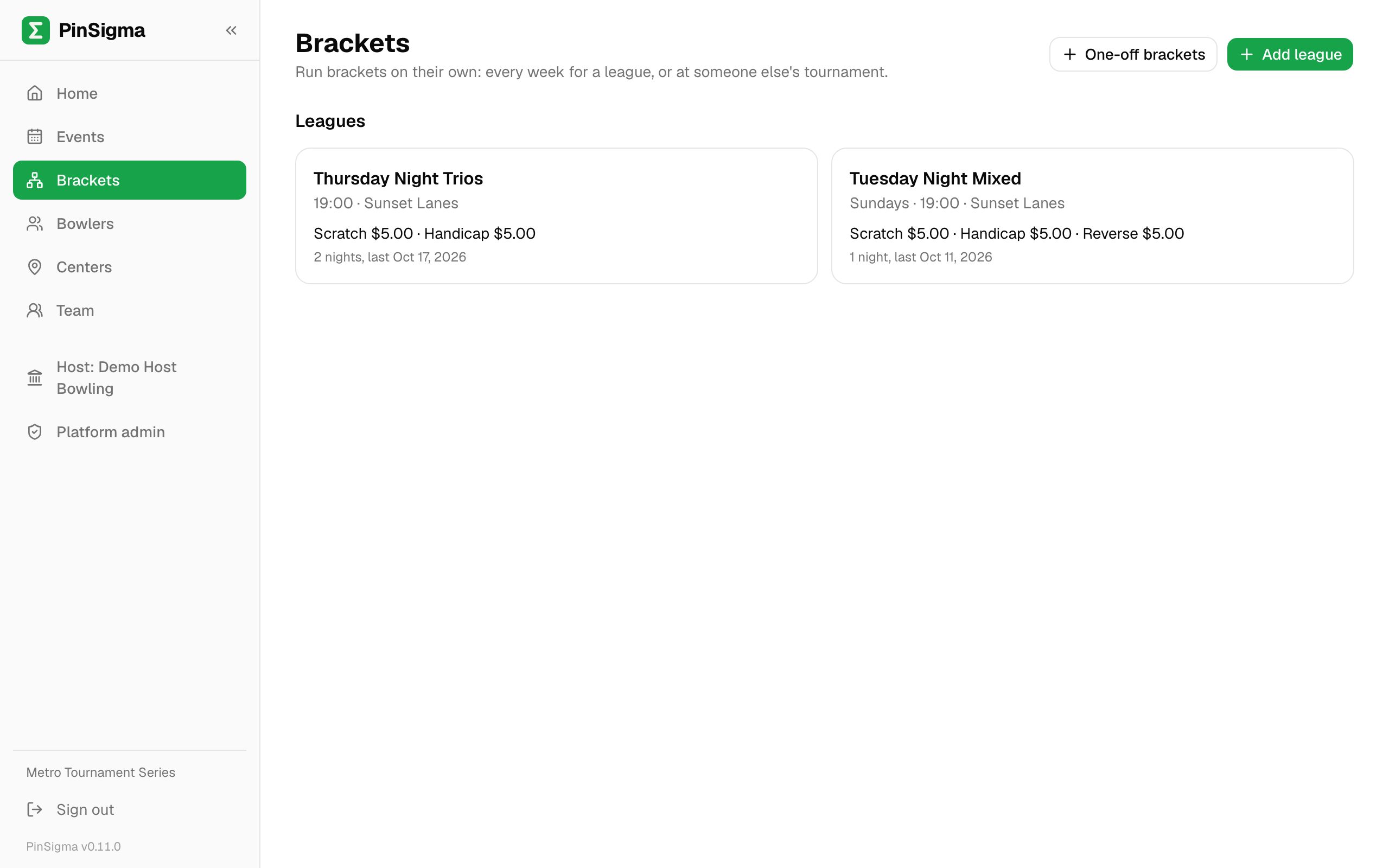
Run brackets for a league
Run brackets on their own, every week for a league or at someone else's tournament: set the pools once, take tonight's sign-ups with each bowler's lane and league average, bring back last week's bowlers, draw, enter scores by lane, settle up in cash and close the night with the drawer balanced.
15 steps
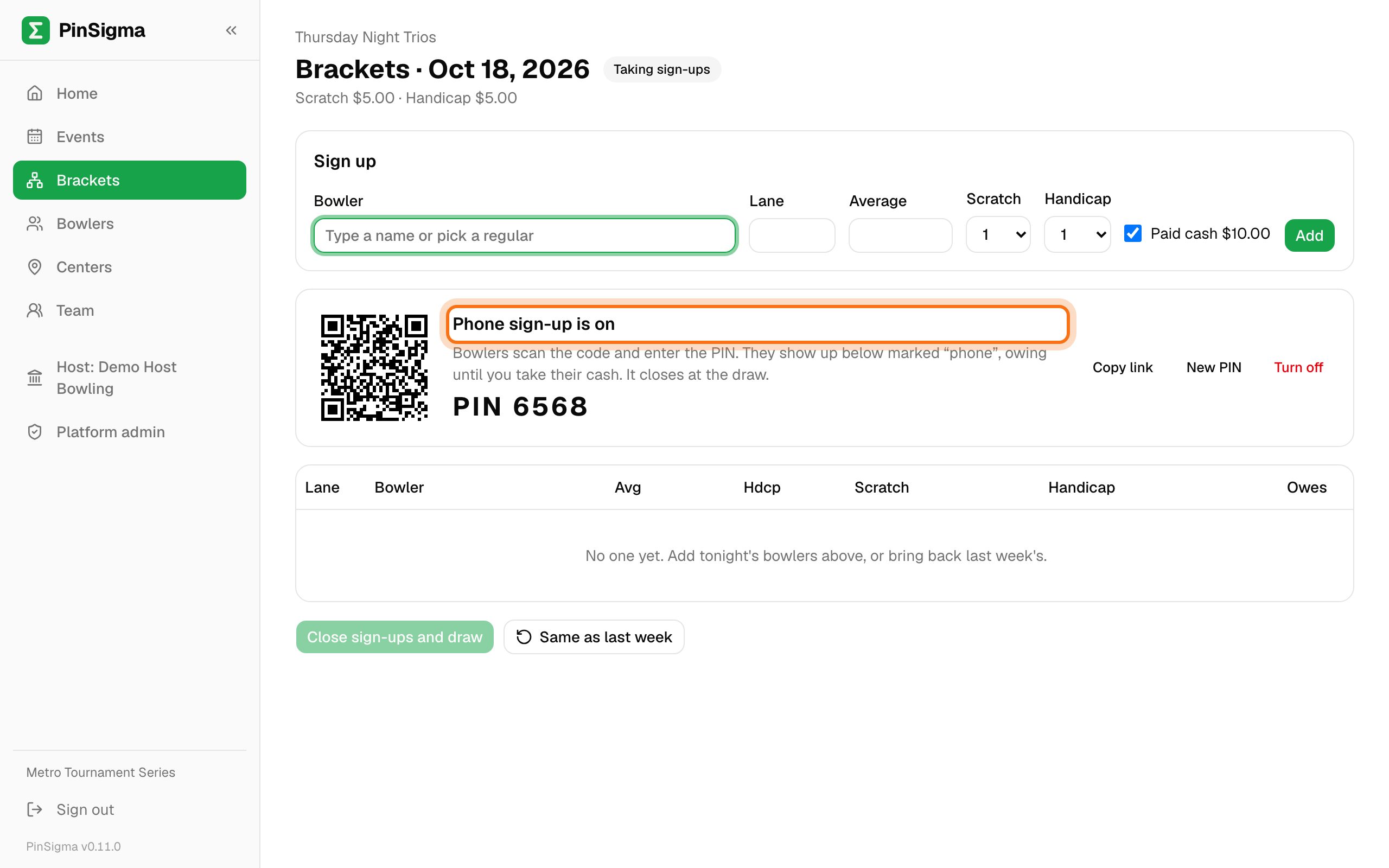
Bracket sign-up from phones
Let bowlers sign themselves up for tonight's brackets on their phones: they scan a code, enter the PIN from the desk, pick their name, lane and brackets, and pay you cash.
4 steps
Your organization
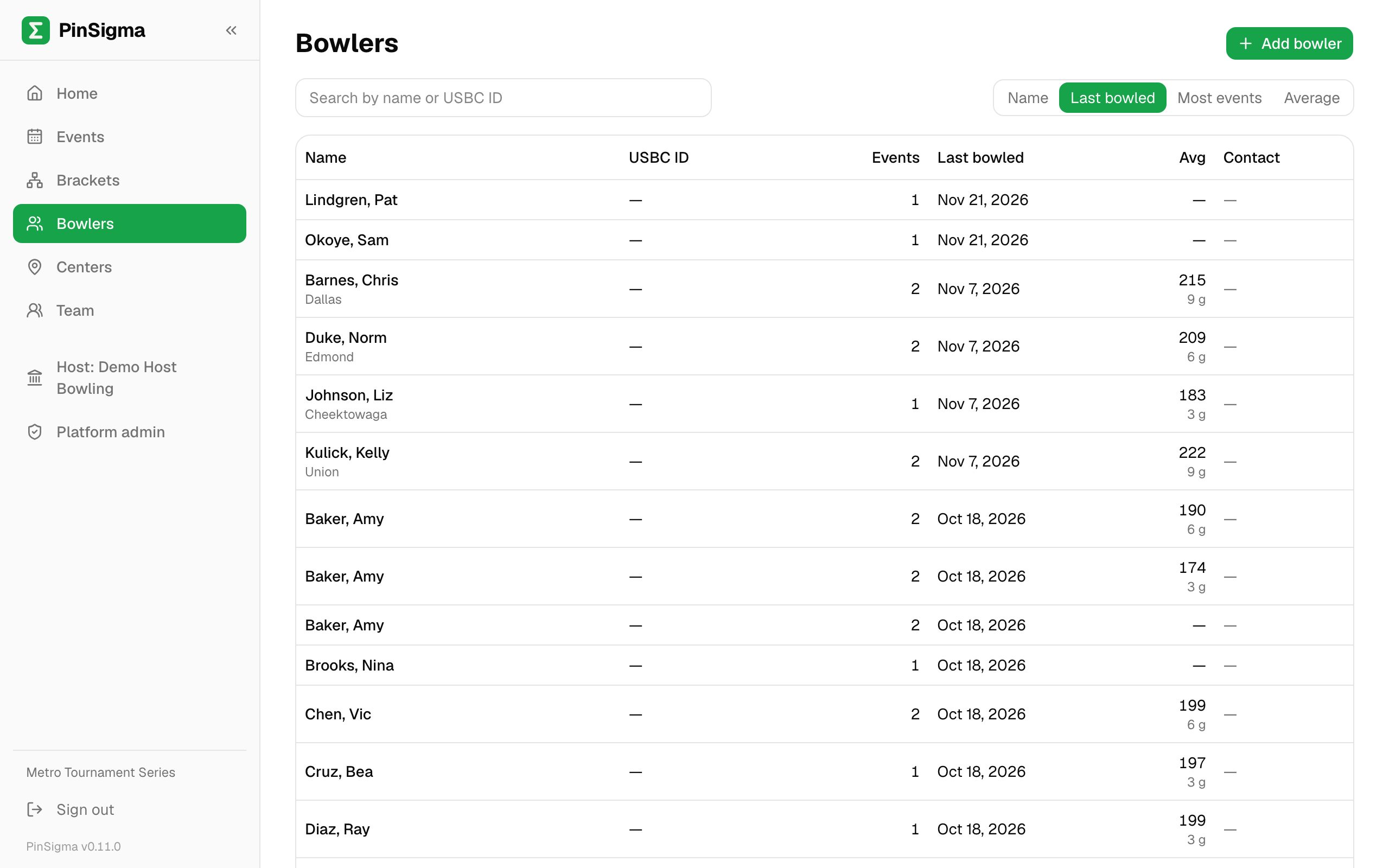
Bowler records and averages
Keep each bowler's averages on file (house, Challenge and Sport), see the entering average USBC Rule 319 gives on each lane condition, their history and prize winnings, and merge duplicate records.
6 steps
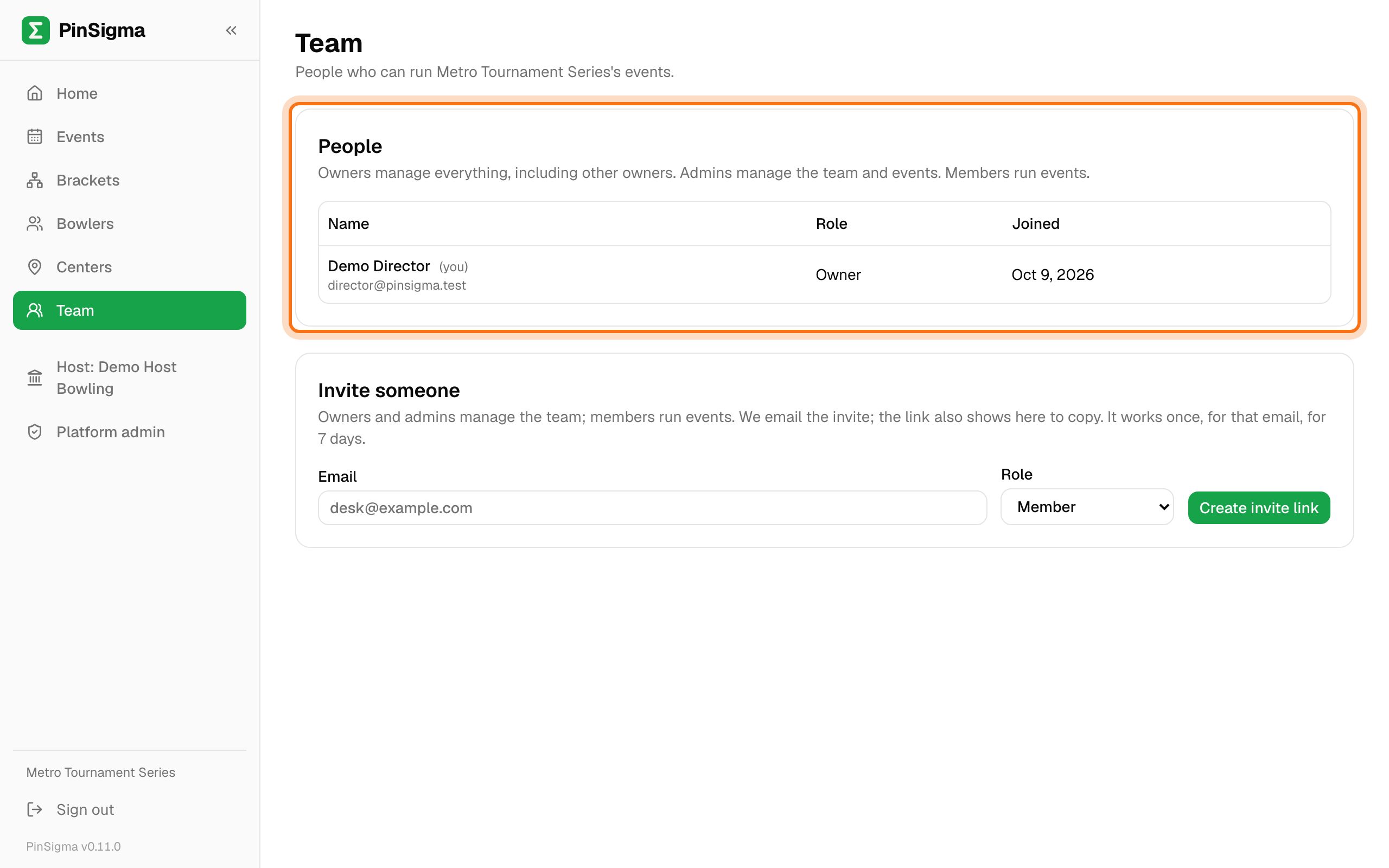
Invite your team
Give other people access to run your events: invite them by email as a member, admin or owner, and change roles or remove people later.
3 steps