Event day
Let volunteers enter scores
Give helpers a link and PIN so they can enter scores and sign recaps on their phones, with no account and no access to anything else.
Recorded with PinSigma v0.11.0 · updated October 18, 2026
Turn on scorer access
- 1
Open the event's Today page
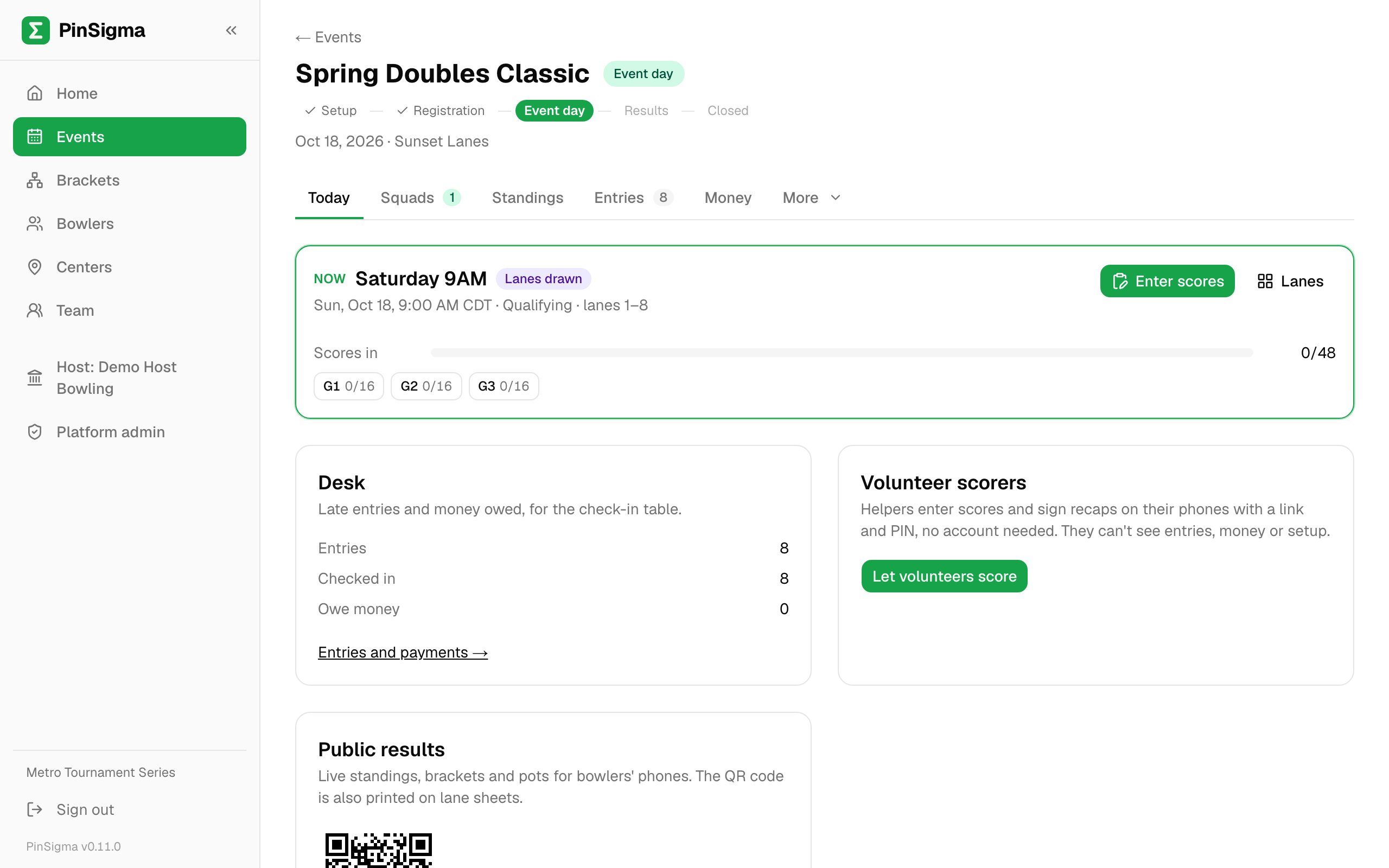
On the day of the event, the event opens to Today: each squad with what to do next.
- 2
Find Volunteer scorers
Scroll down to the Volunteer scorers panel. It's also on the registration overview, so you can set it up ahead of time.
- 3
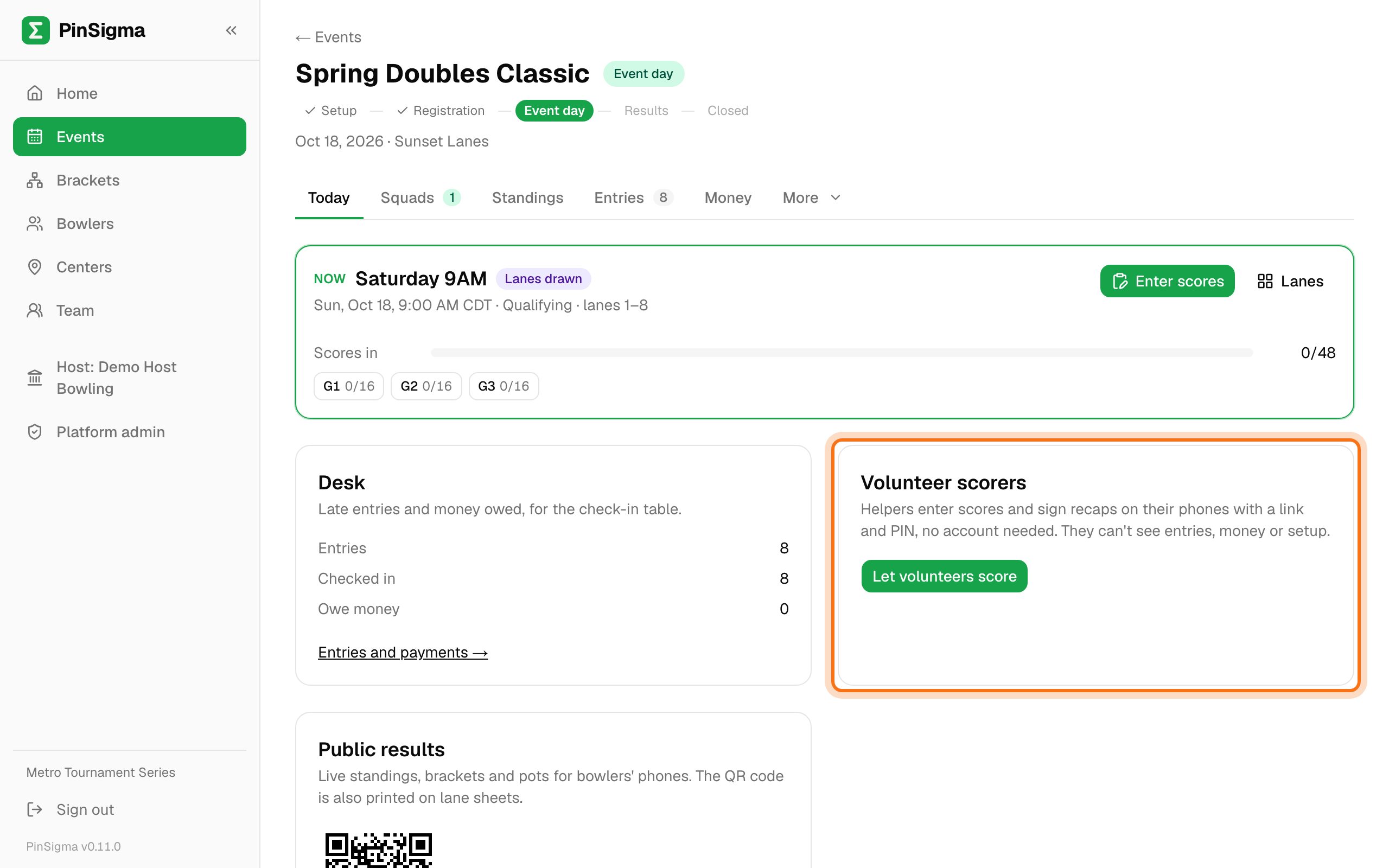
Share the QR code and PIN
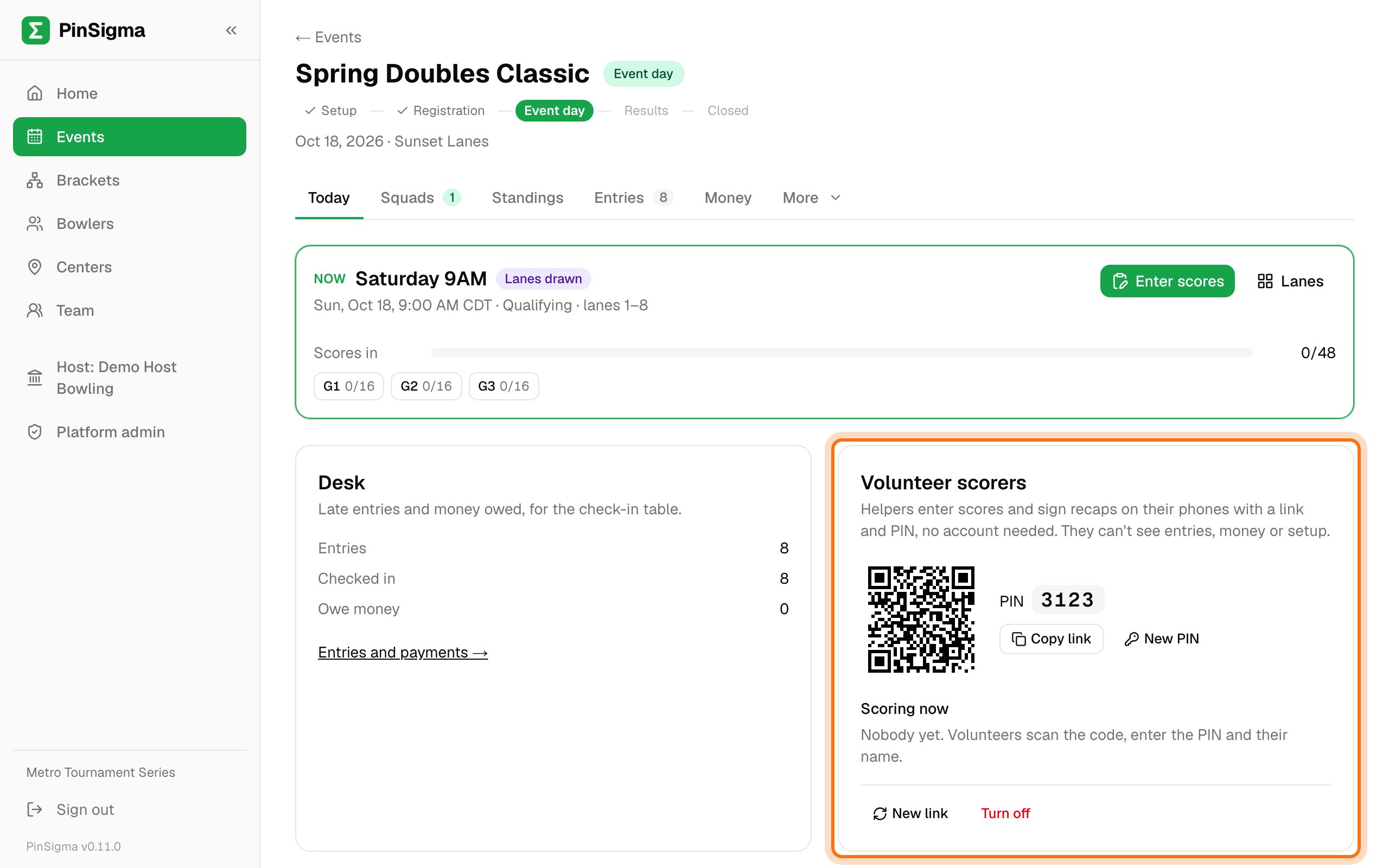
PinSigma makes a link (the QR code) and a 4-digit PIN. Put the QR code where helpers can scan it and read the PIN out at the desk. Copy link sends it by text or email instead.
On the volunteer's phone
- 4
Scan the code
The volunteer scans the QR code with their phone's camera. No app and no account.
- 5
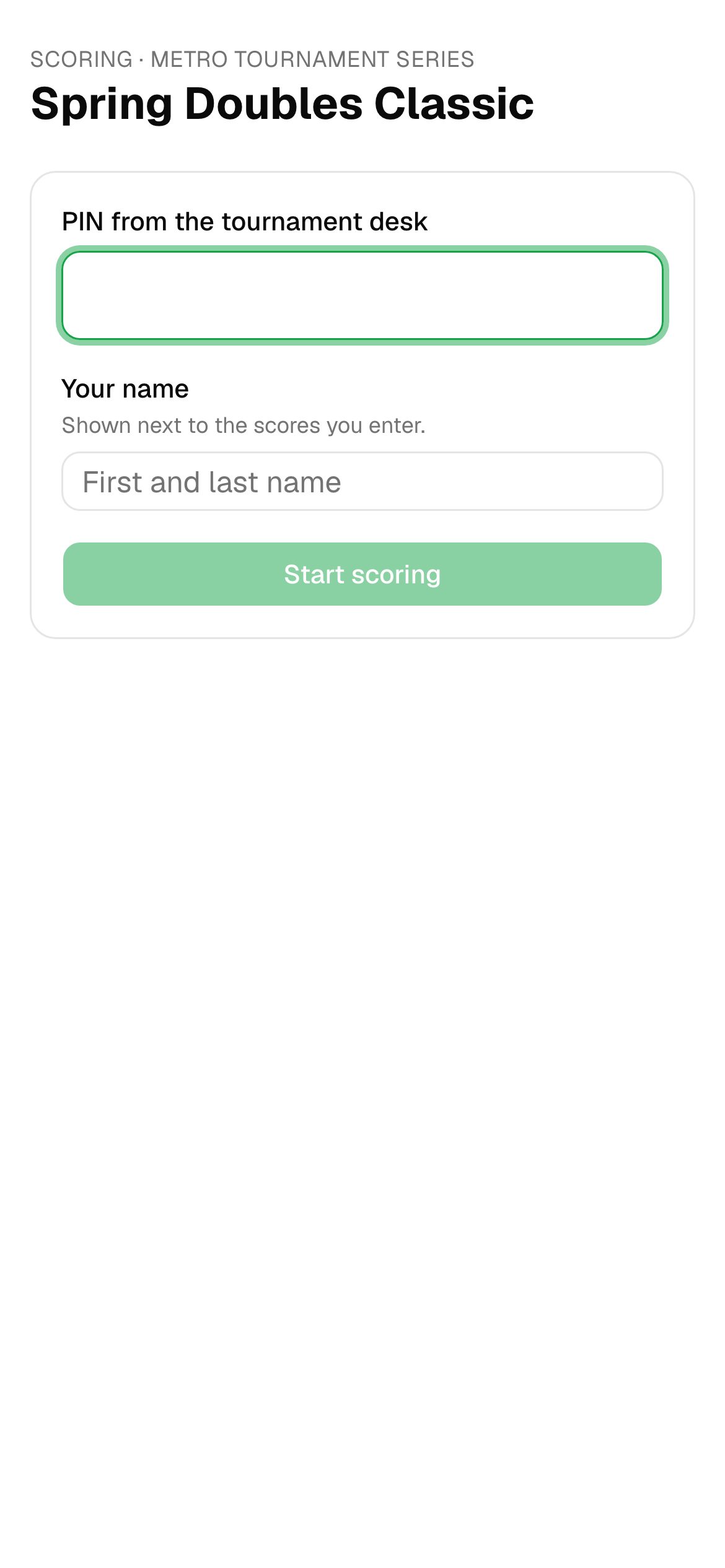
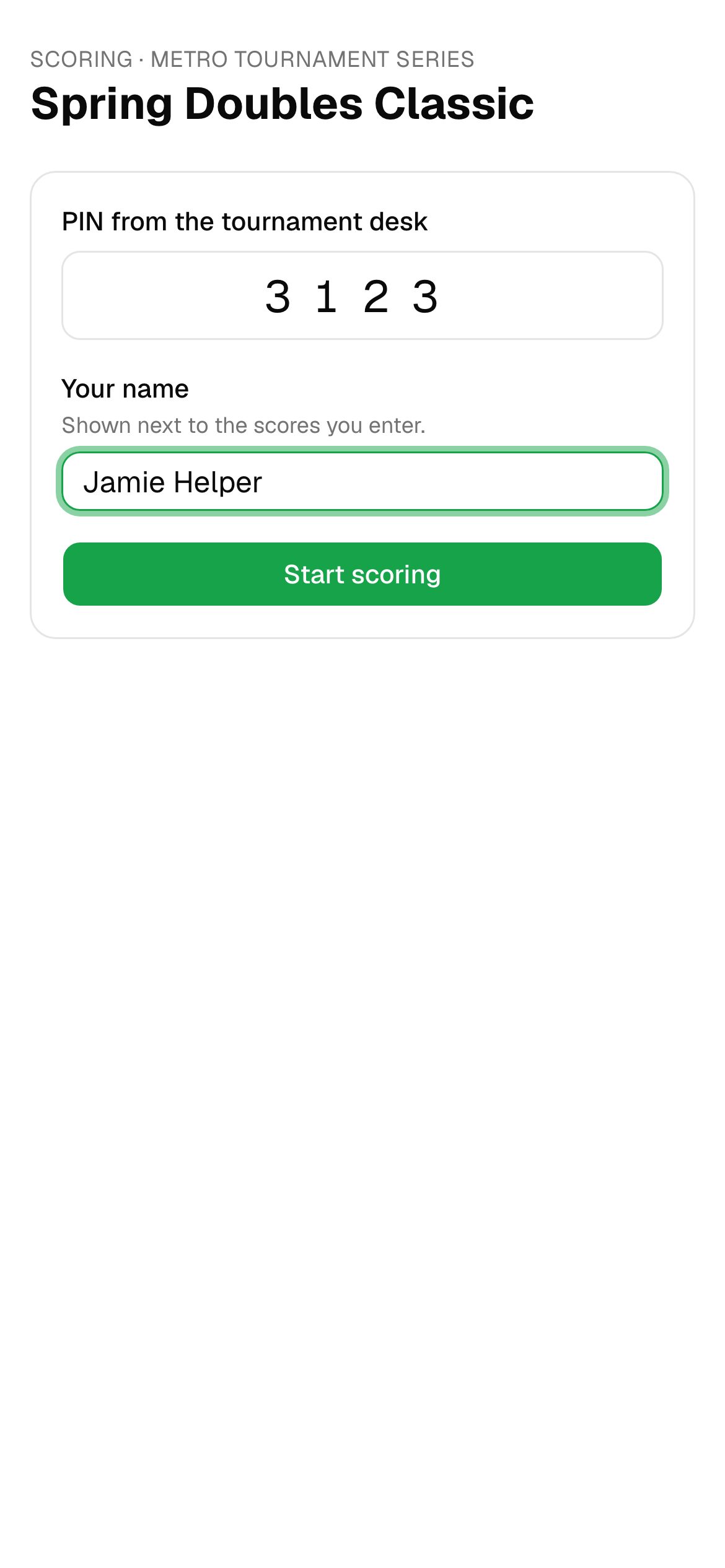
Enter the PIN and a name
They type the PIN from the desk and their name. Their name goes on every score they enter.
- 6
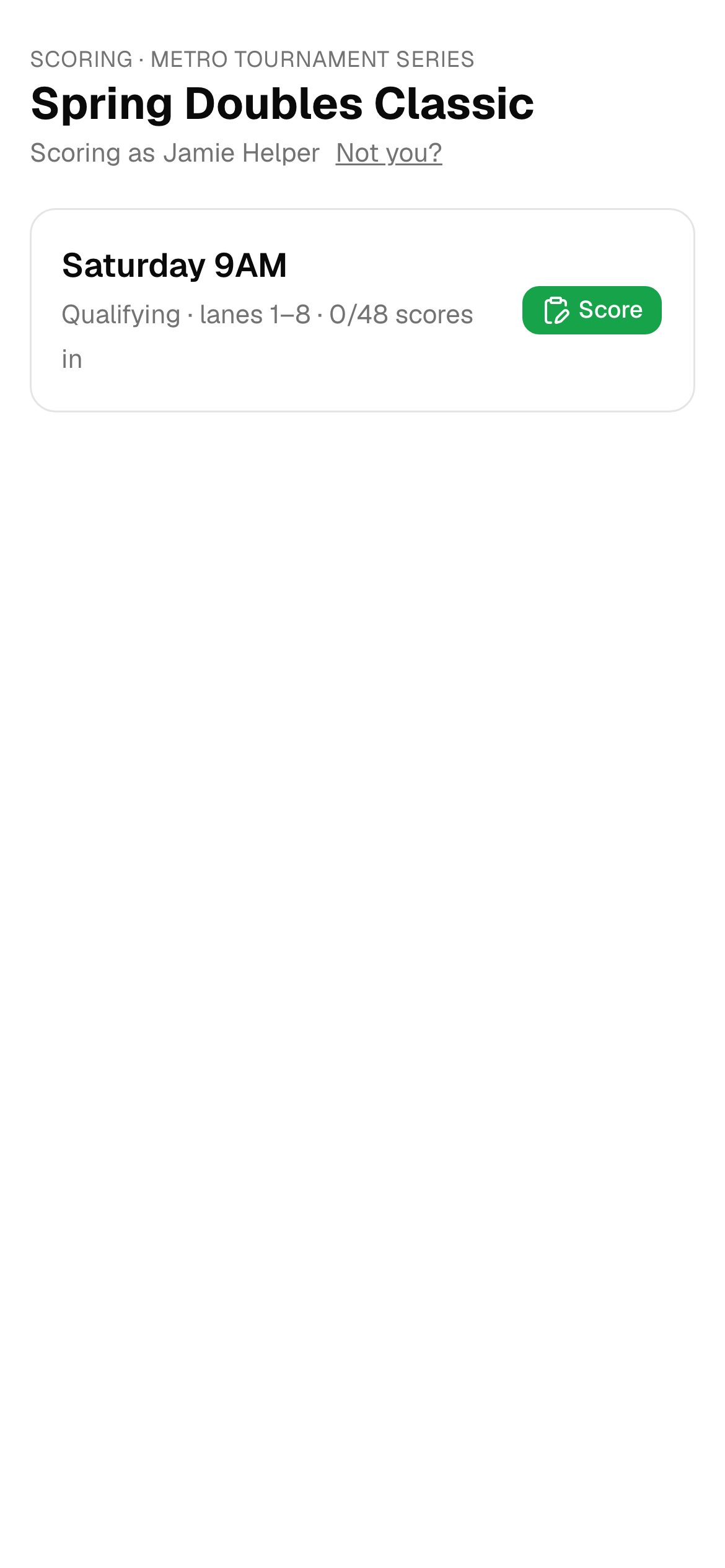
Pick the squad
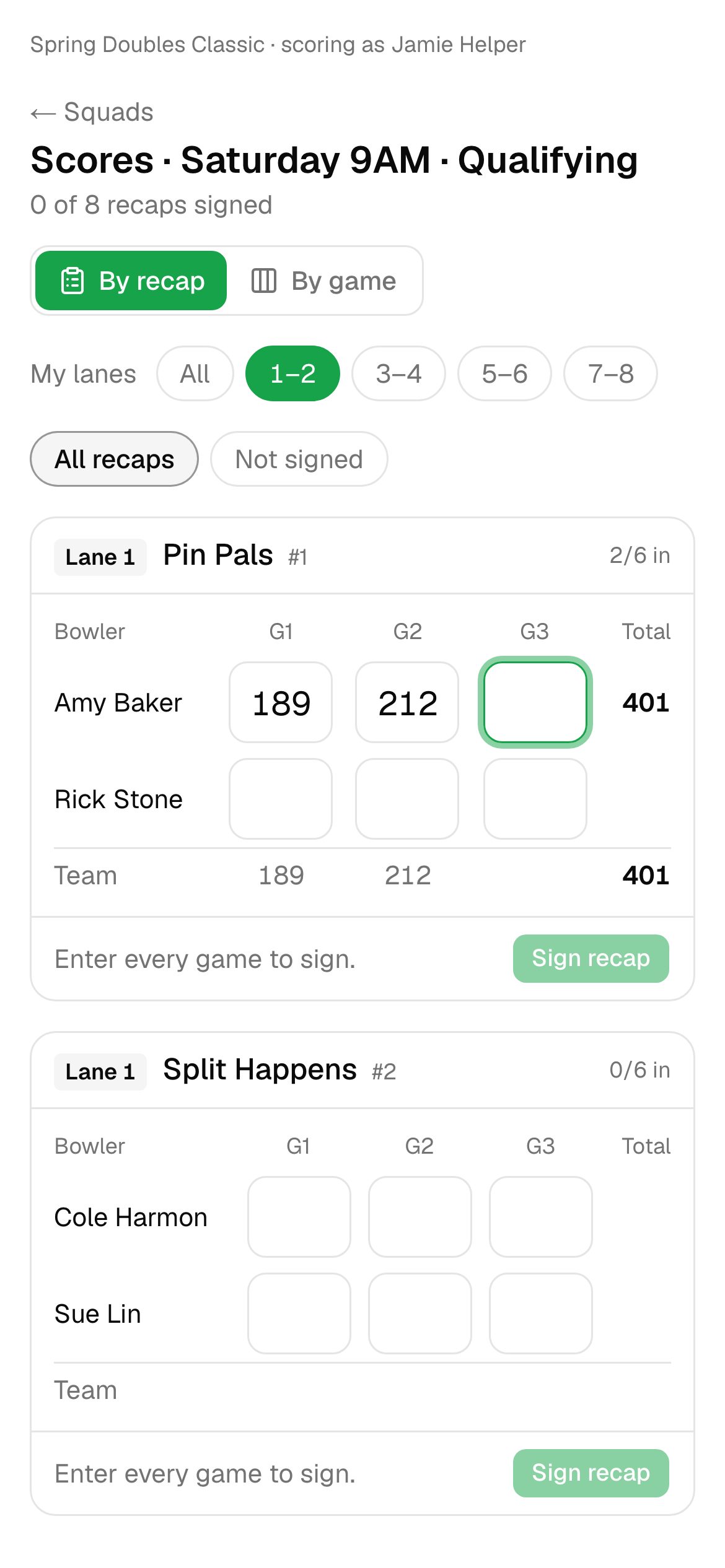
They see the squads that are on the lanes. Scorers can't see entries, money, setup or other events.
- 7
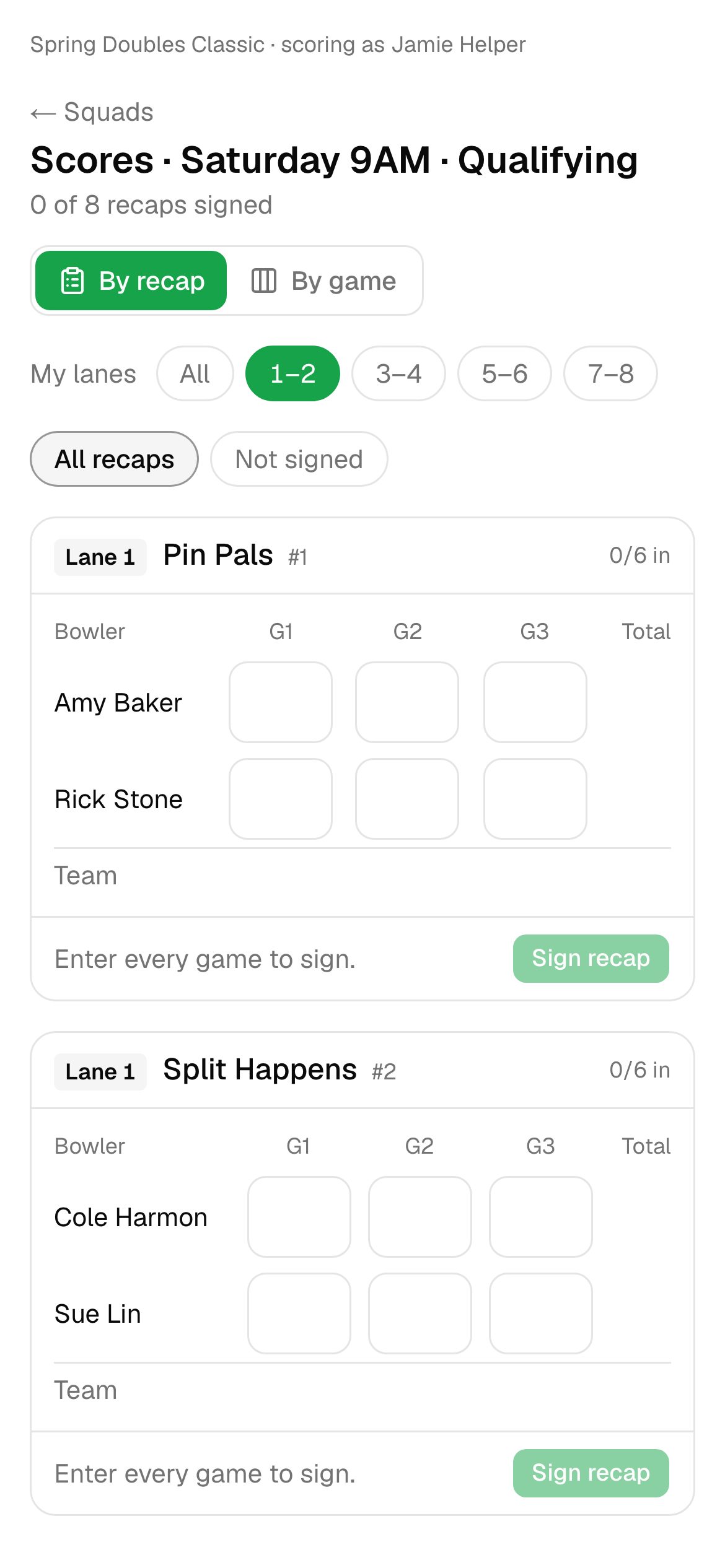
Choose their lanes
Tap the lane pairs they're covering, so they only see those recaps. Their phone remembers the choice.
- 8
Enter scores
Type a score and press Enter (Next on a phone keyboard) to save it and move to the next box. Everyone's scores show up on everyone's screen within a few seconds.
Keep track of helpers
- 9
See who's scoring
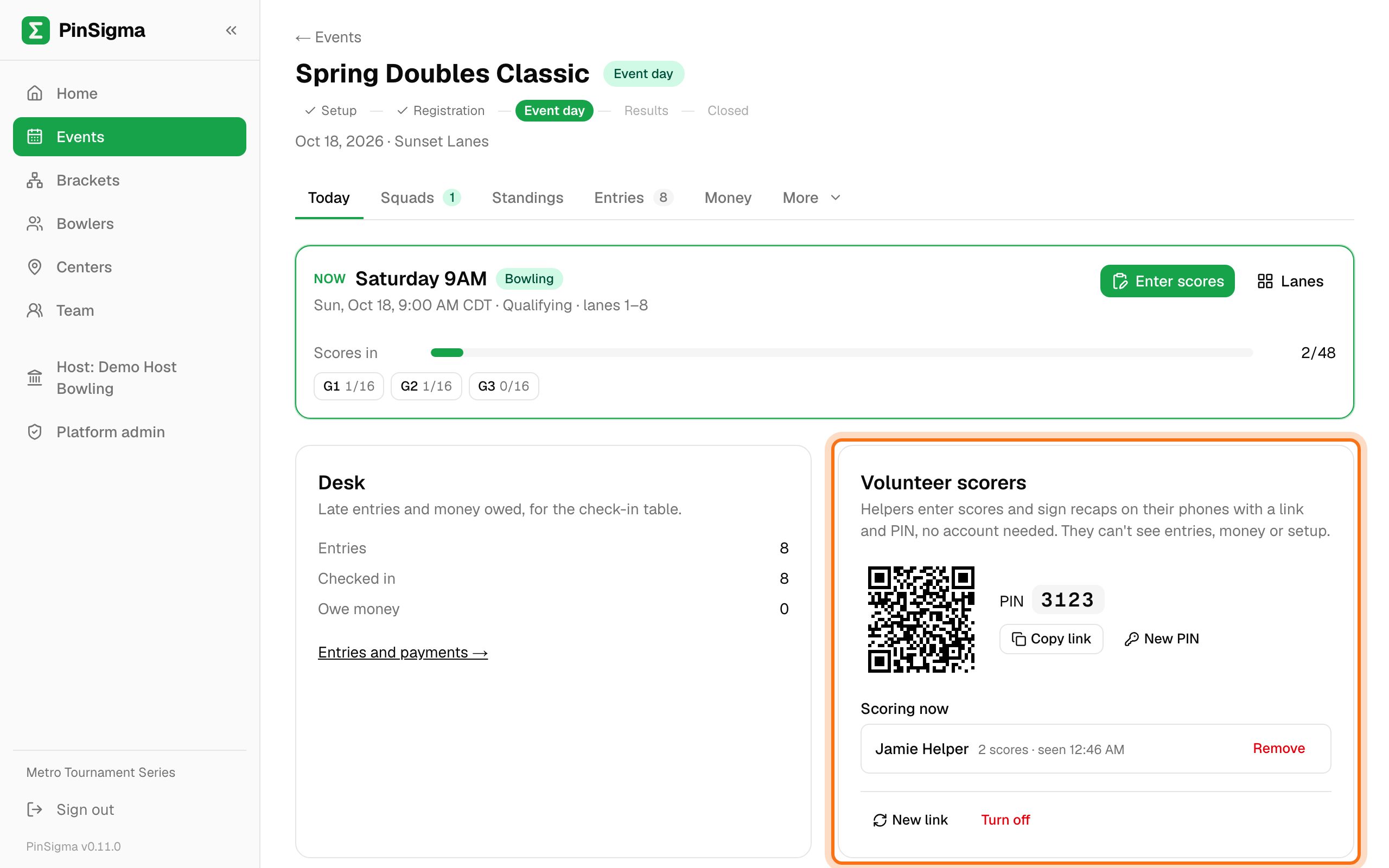
Scoring now lists each helper, how many scores they've entered and when they were last active. Remove signs one out (their scores stay). New PIN keeps current helpers in; New link or Turn off signs everyone out.