Setup
Set up the format and squads
Build the tournament's rounds (games, cuts, carry-over, ties) and add the squads bowlers sign up for, with their start times and lanes.
Recorded with PinSigma v0.11.0 · updated October 18, 2026
The format
- 1
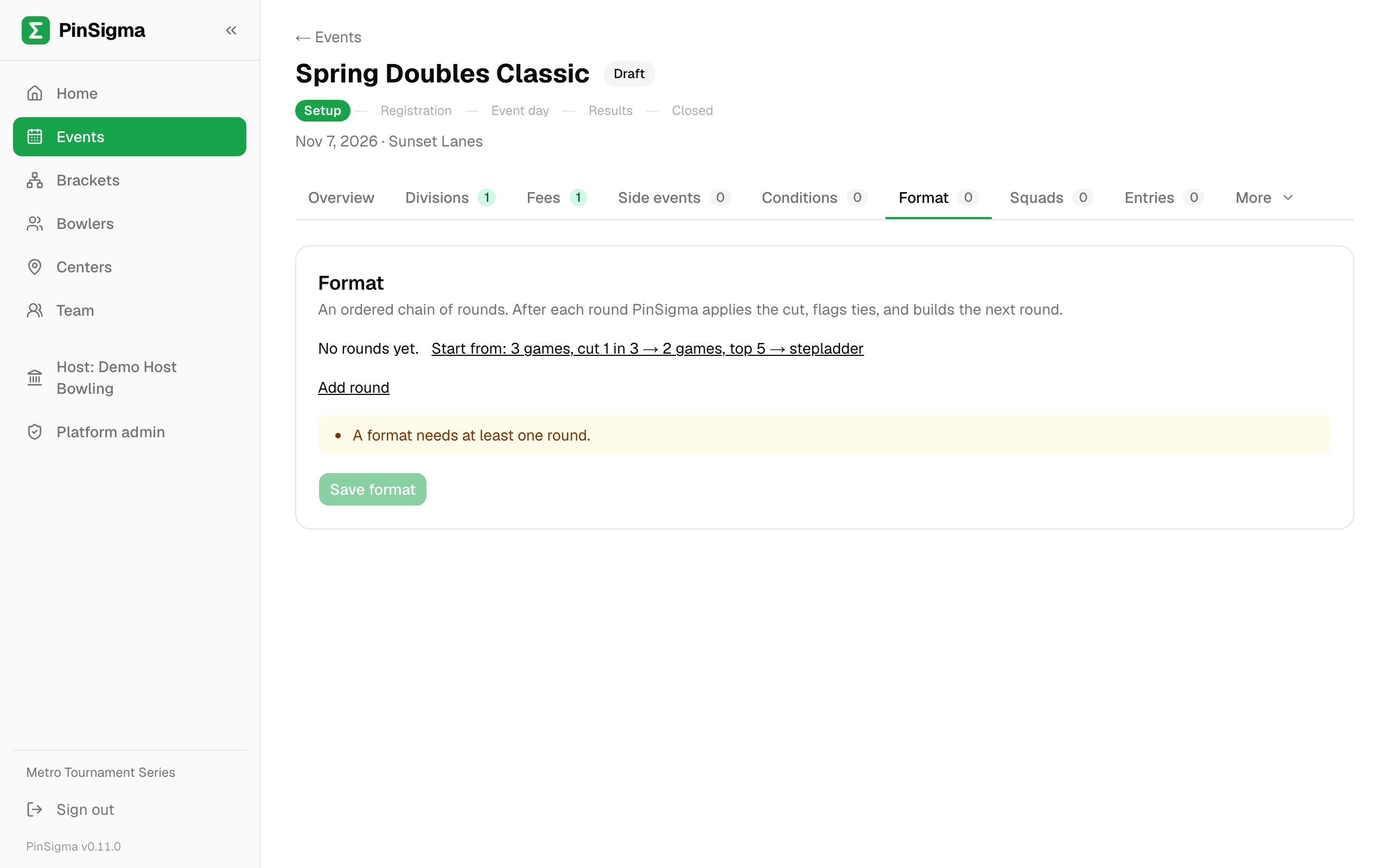
Open Format
The format is the event's rounds in order: how many games each has, who makes the cut, and what carries over.
- 2
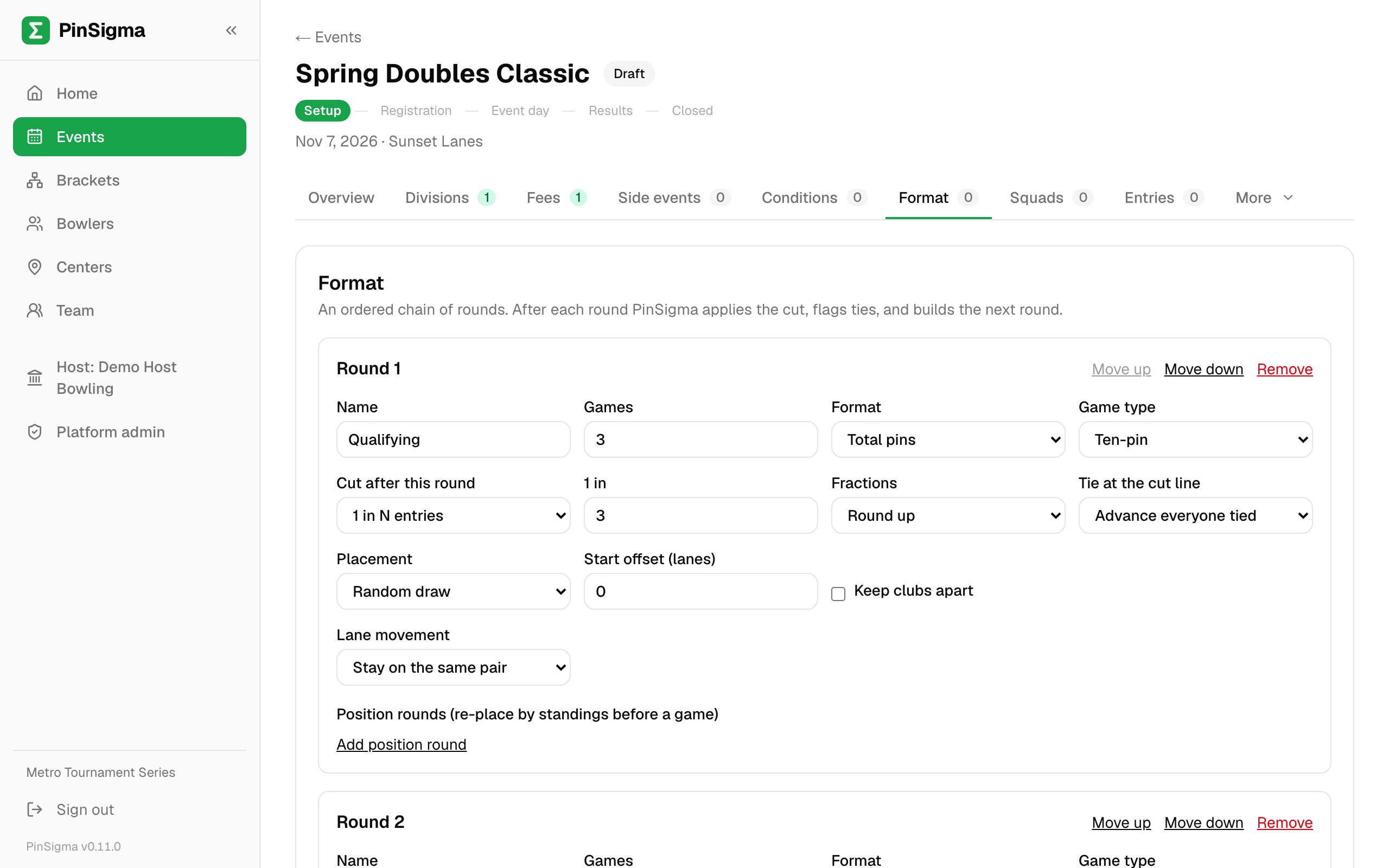
Start from a common format, or add rounds
Pick a starting point and adjust it, or add rounds one by one. Each round sets its games, the cut (top N, or 1 in N), what carries into the next round and how ties at the cut are broken.
- 3
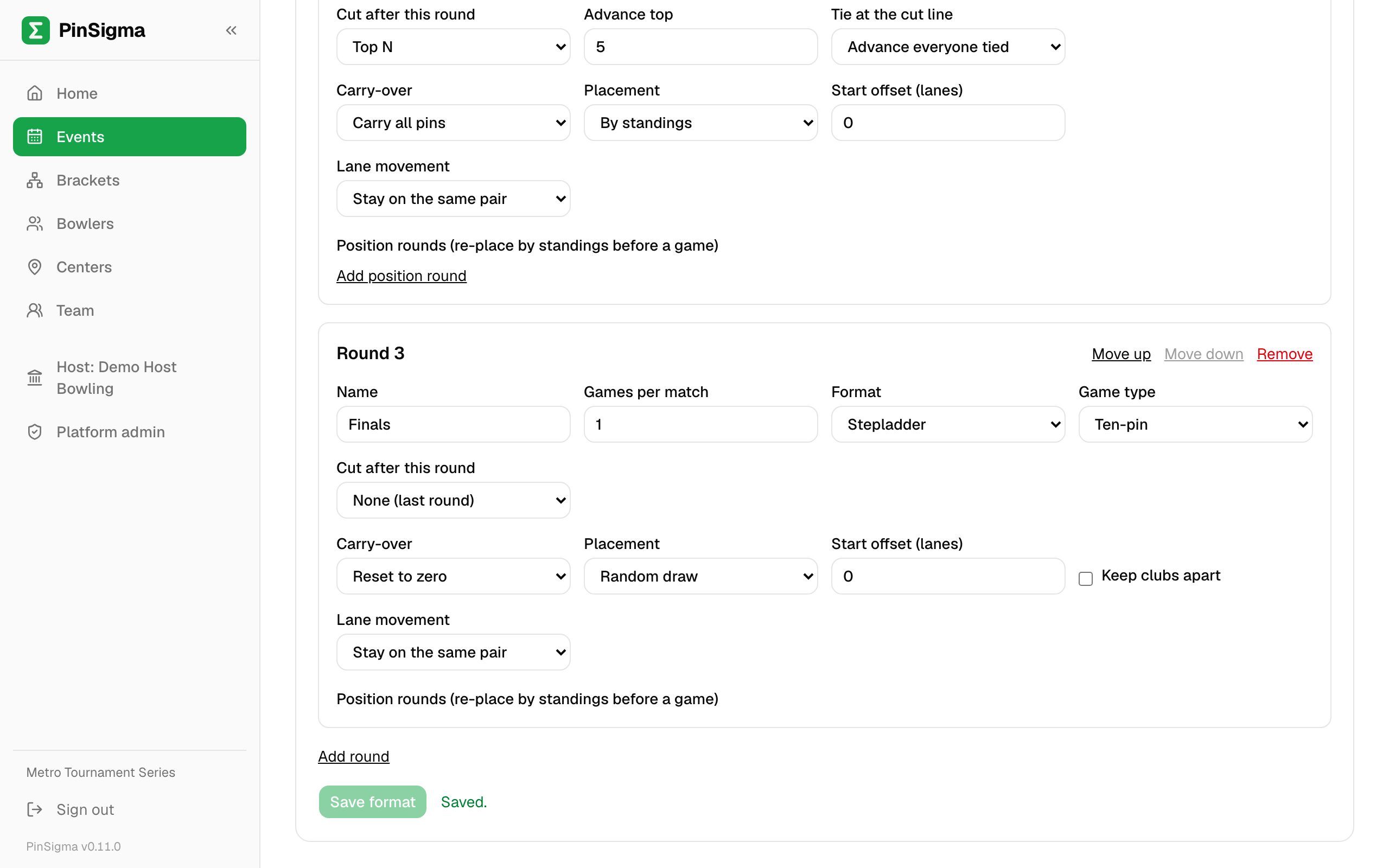
Save the format
The format can change until the event has entries on the lanes.
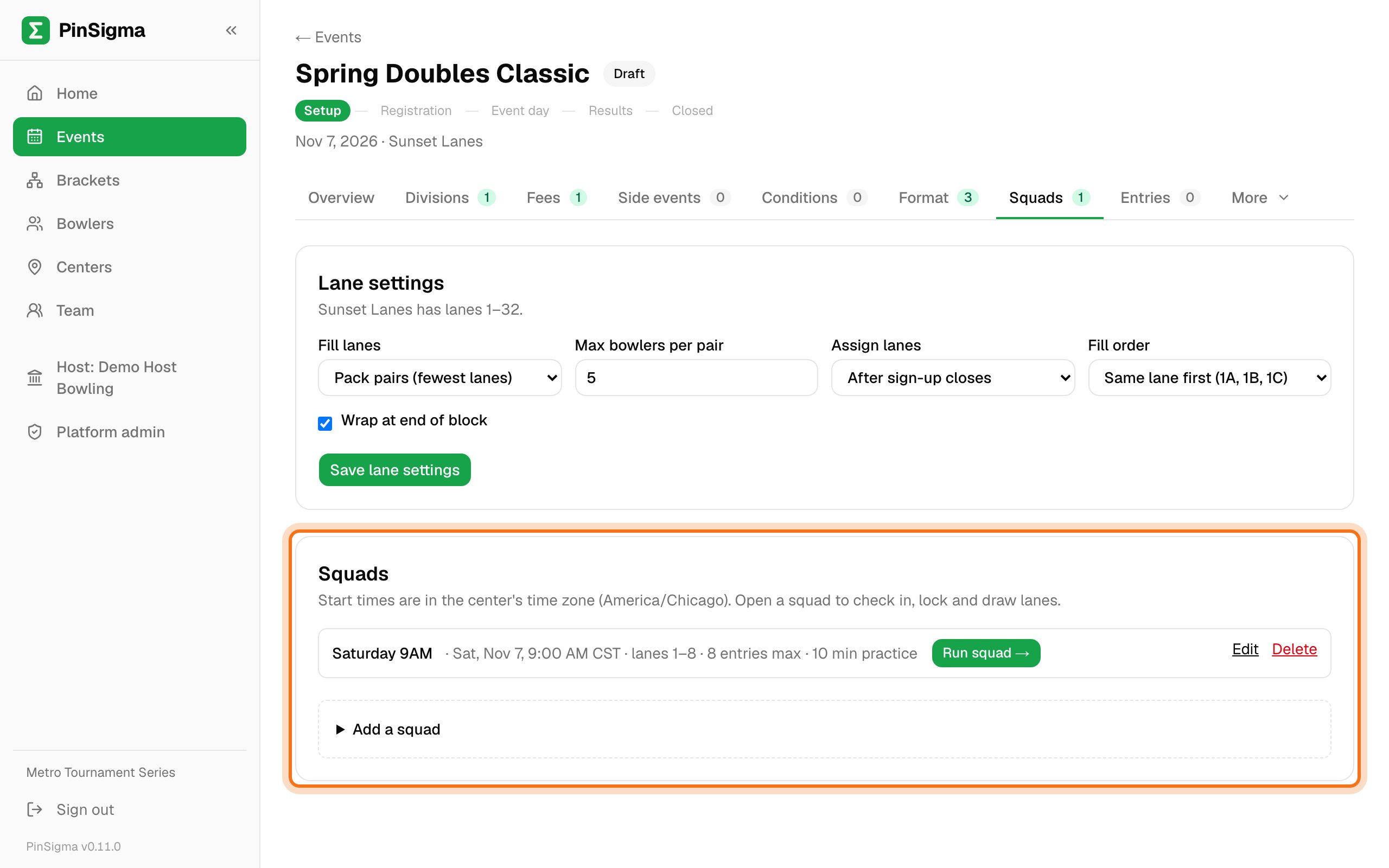
Squads
- 4
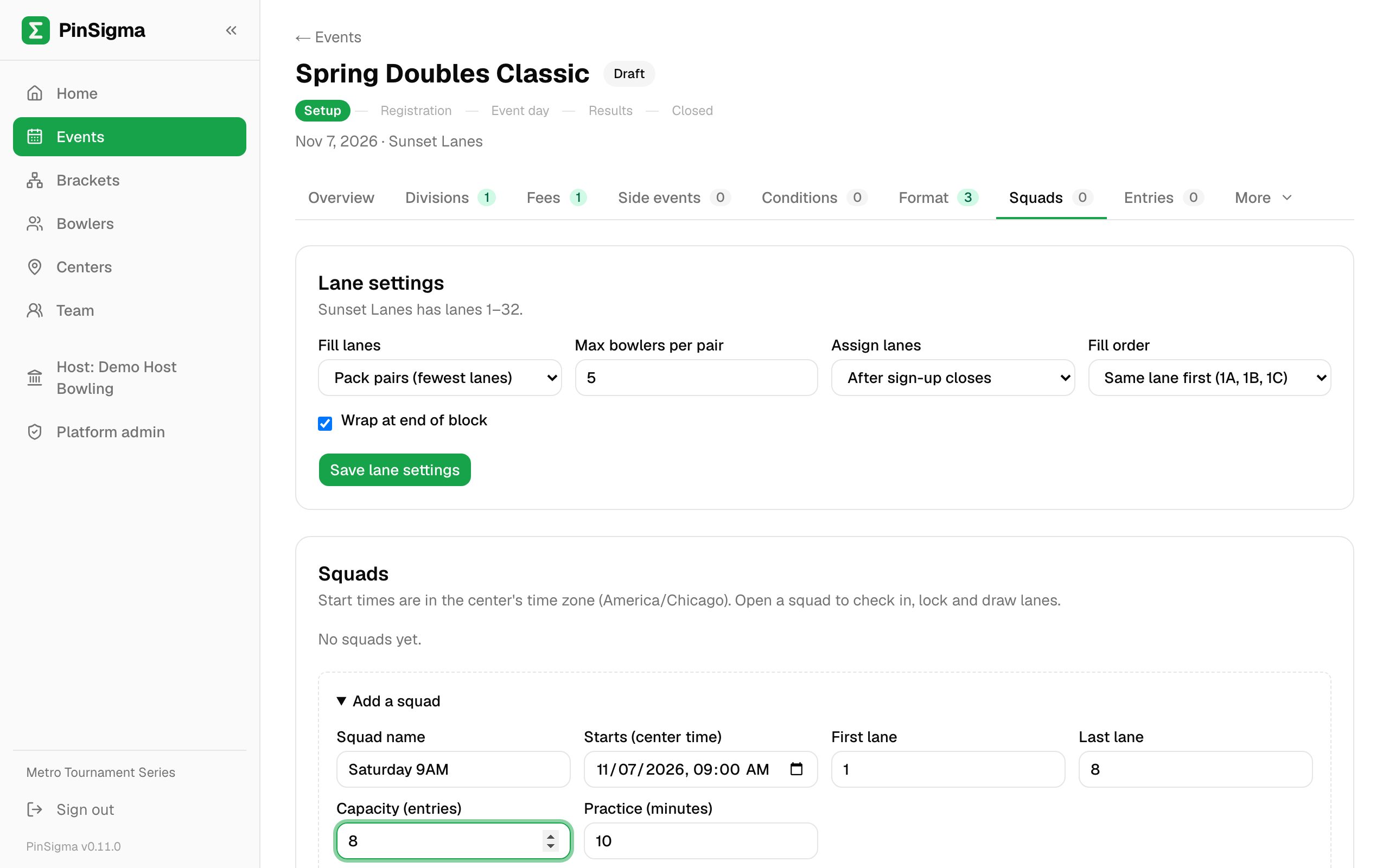
Add a squad
A squad is one start time on a block of lanes. Times are in the center's time zone. Capacity caps entries; when it's full, online sign-ups go to a waitlist.
- 5
Squads are ready
Add more squads the same way. On event day, each squad is checked in, gets its lanes and is scored on its own.