Event day
Check in a squad and draw lanes
Check bowlers in as they arrive, lock the squad to draw lanes (and brackets), and print lane sheets and recap sheets.
Recorded with PinSigma v0.11.0 · updated October 18, 2026
Check in and lock
- 1
Start from Today
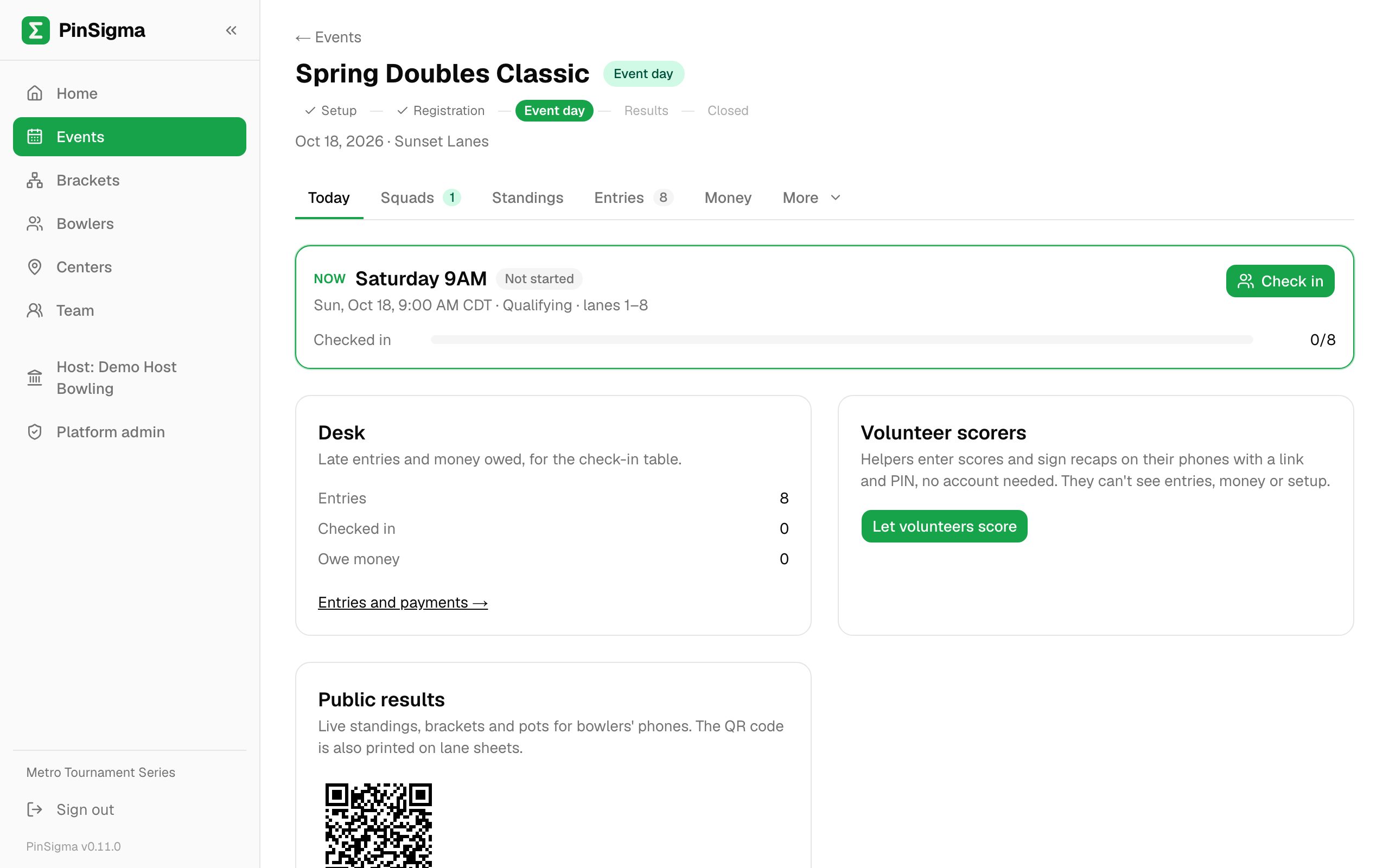
On event day, each squad shows its check-in progress and the next thing to do.
- 2
The check-in list
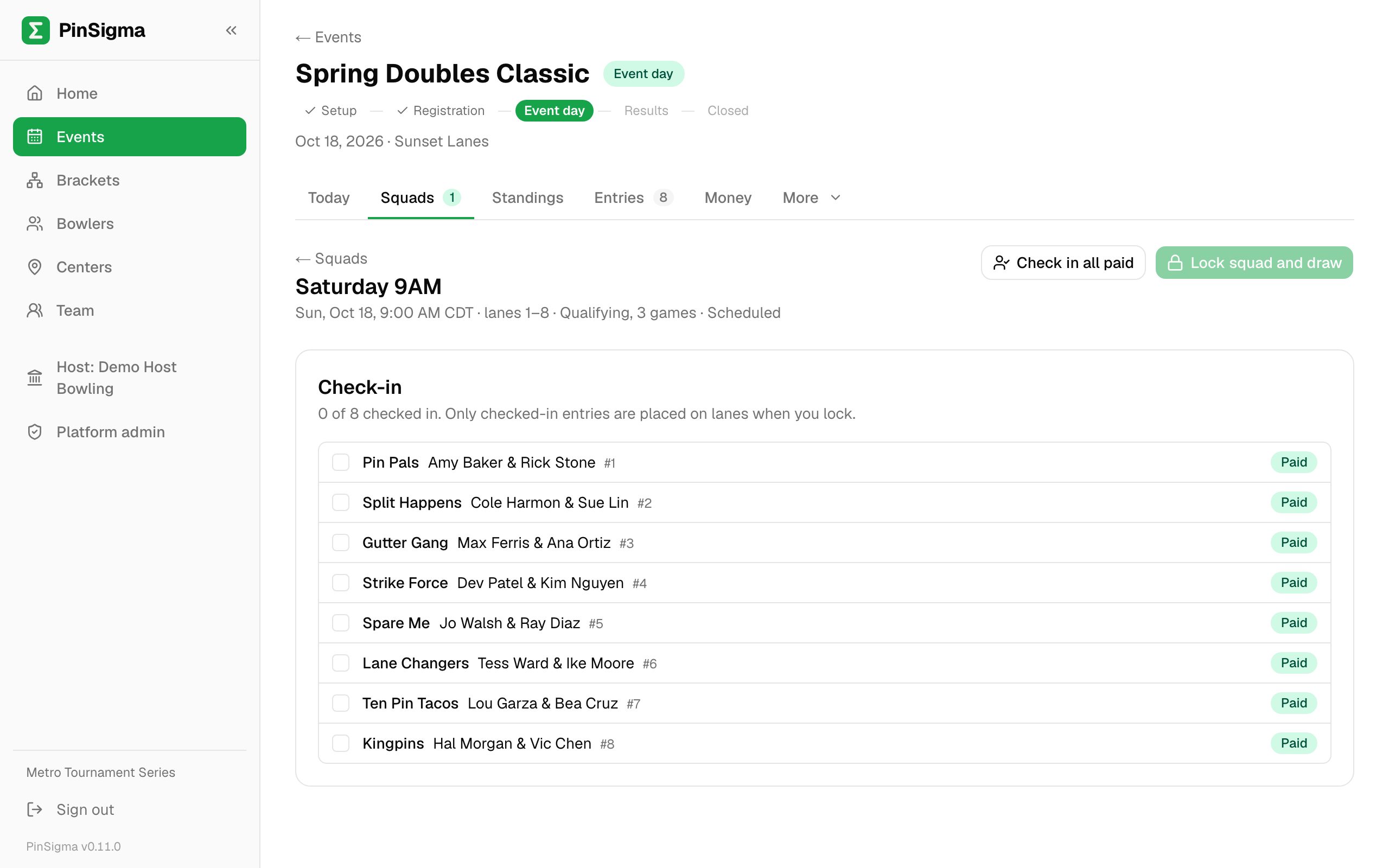
Everyone entered in the squad, with what they owe. Tick each entry as they arrive; take money first from the Entries page if they owe.
- 3
Check in everyone who's paid
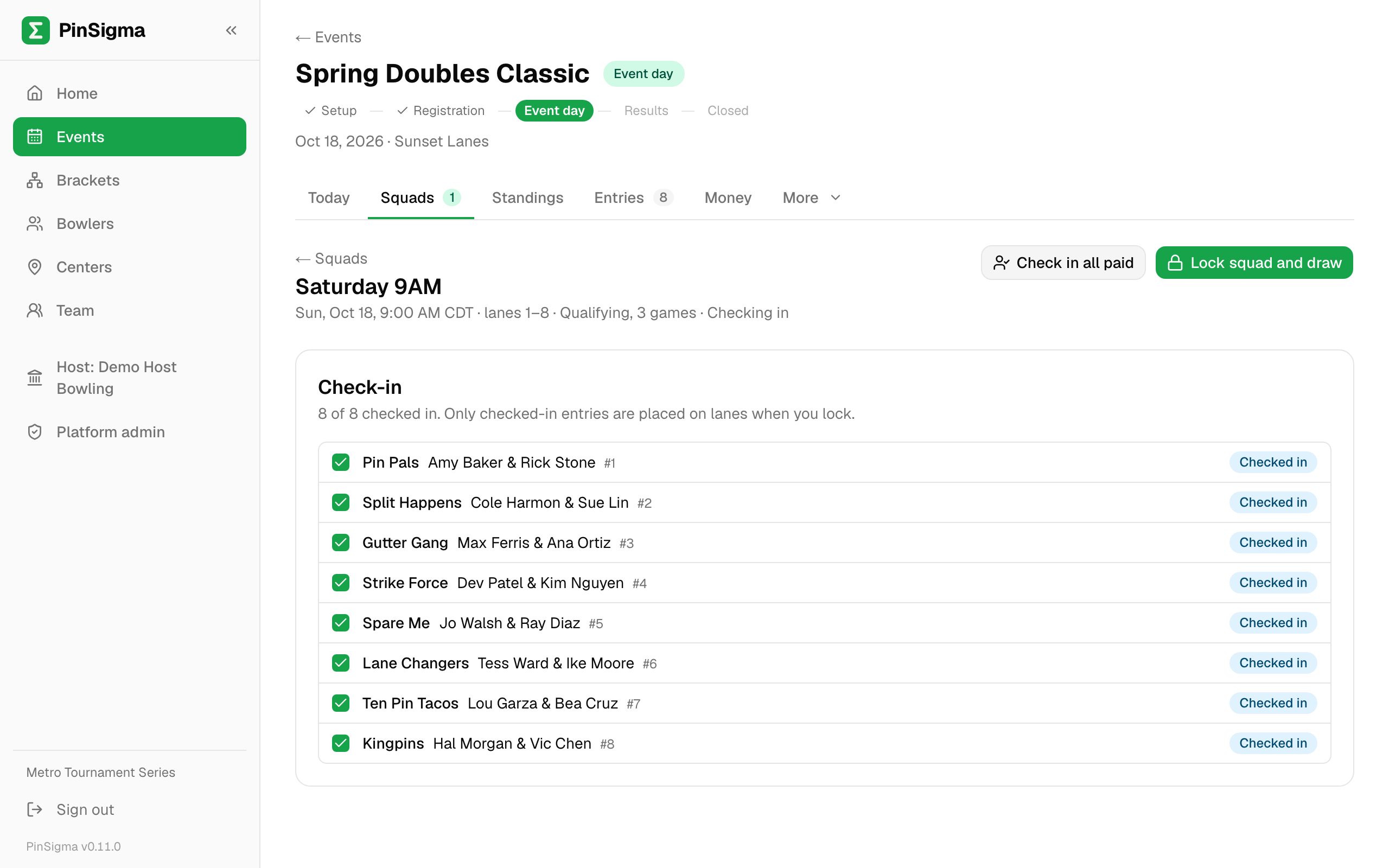
Check in all paid ticks every paid entry at once. Only checked-in entries get lanes.
- 4
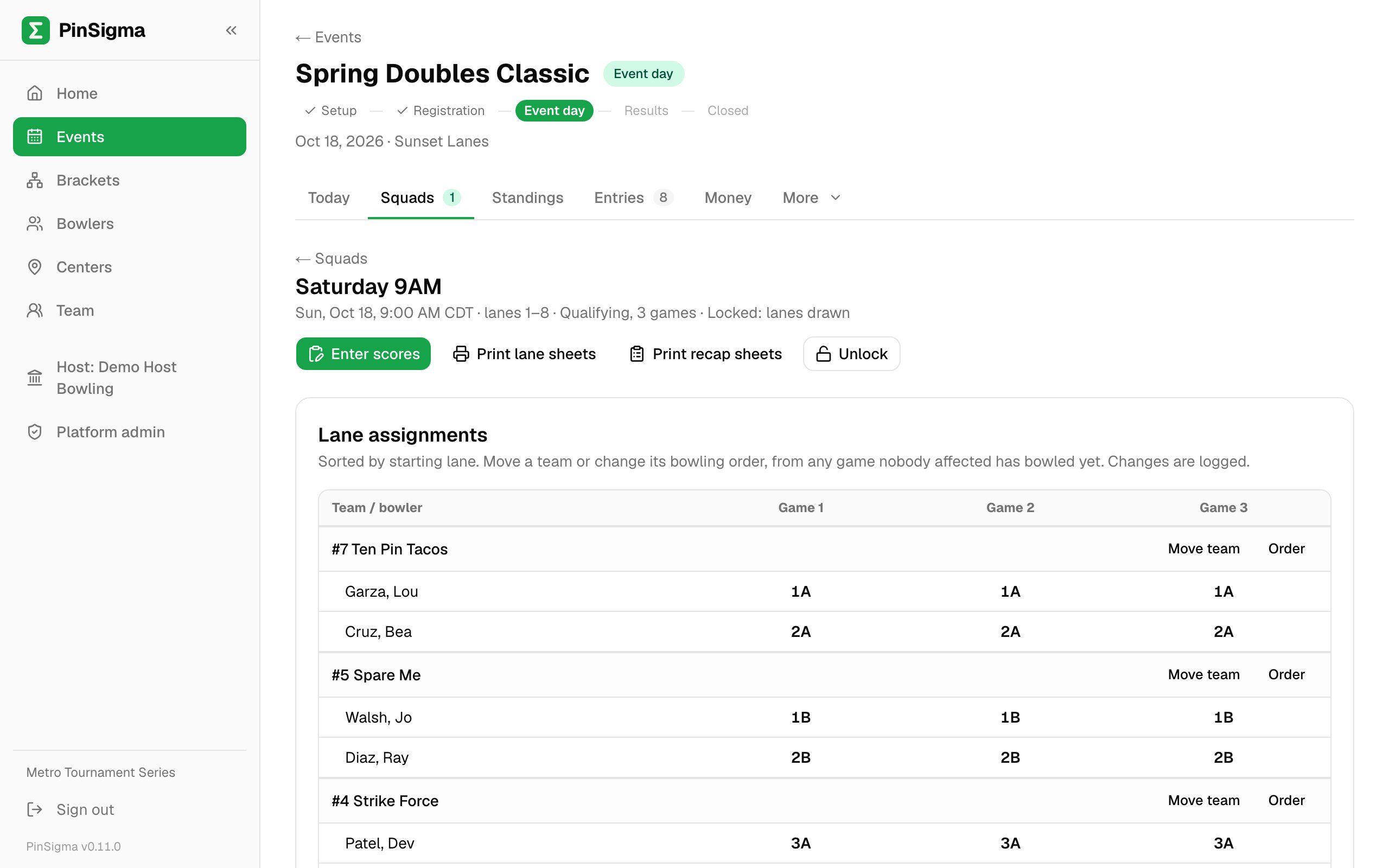
Lock the squad
Locking draws lanes for every game using the format's lane rules, and draws brackets. The draw is recorded so it can be reproduced. Unlock (with a reason) if you need to redo it before bowling starts.
- 5
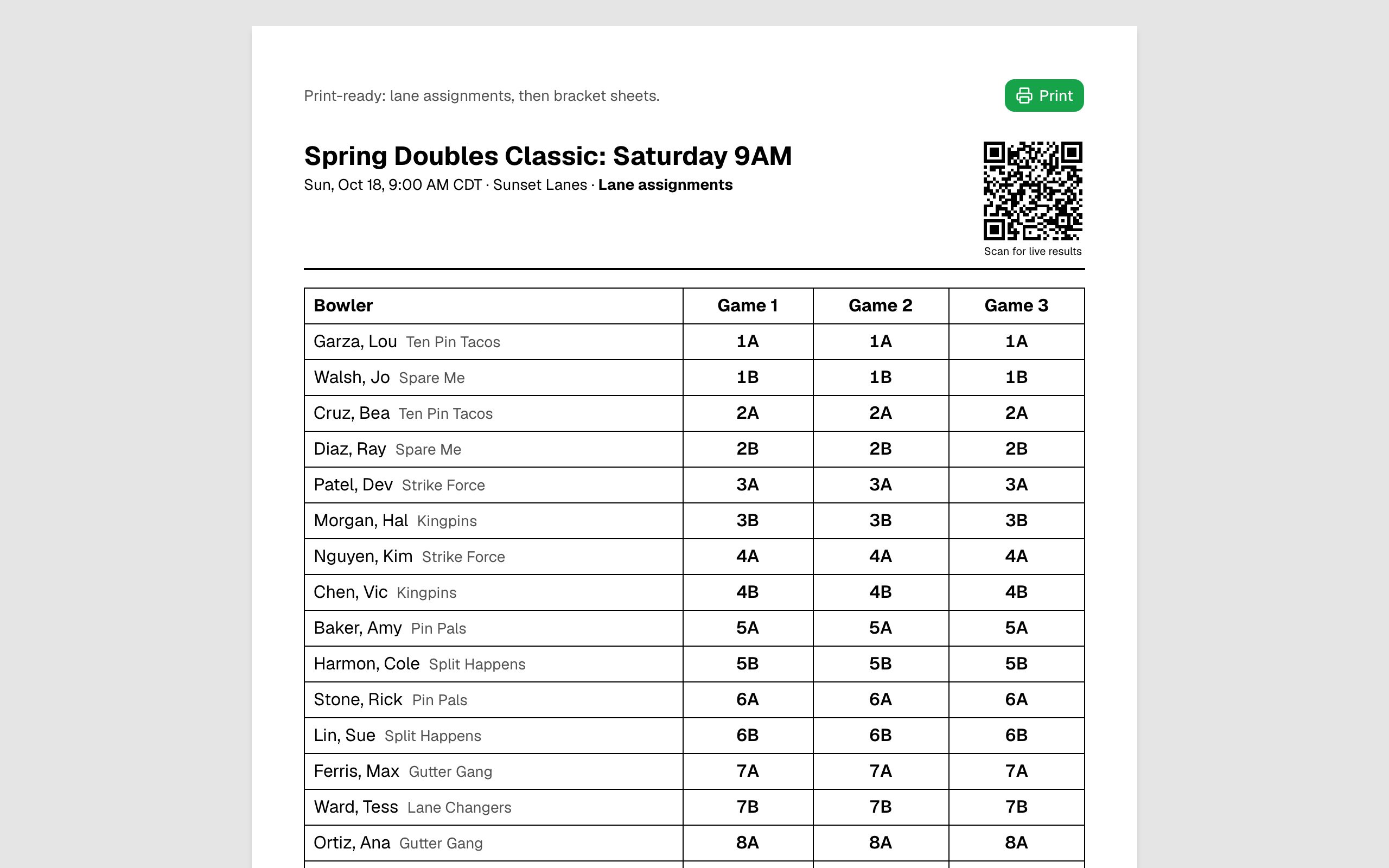
Print lane sheets
Print lane sheets shows each bowler's lane every game, then bracket sheets. The QR code takes bowlers to live results.
- 6
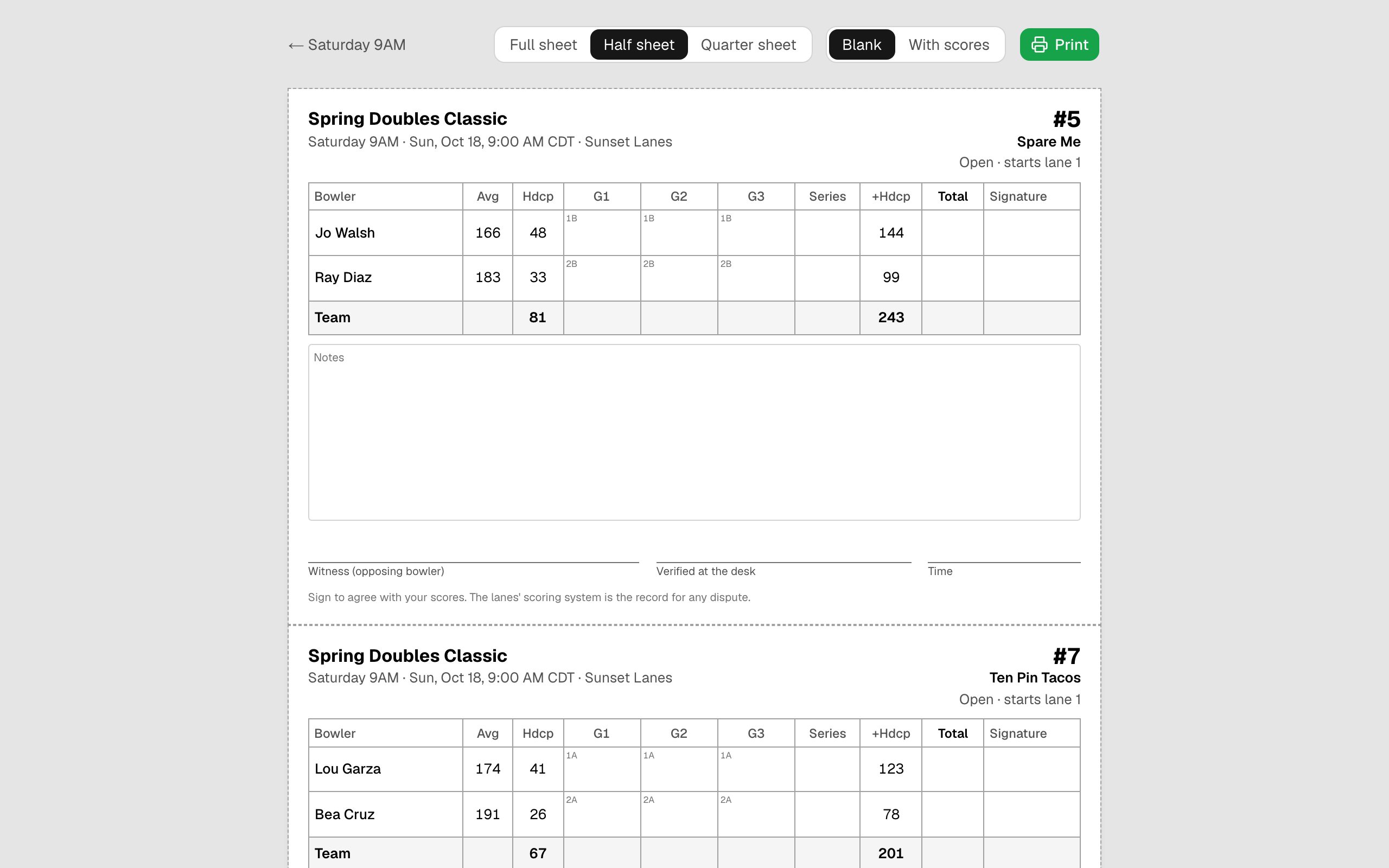
Print recap sheets
One recap per entry on 8.5 × 11 paper: a full, half or quarter sheet (cut on the dashed lines). Each has the bowlers' averages and handicaps, every game's lane, and lines to sign. Print them blank to write in, or With scores for bowlers to sign their totals.