Registration
Take entries online
Turn on online sign-up, share the link or QR code, and see what bowlers do on their phones: enter the whole team, pay cash at check-in, or join the waitlist when a squad is full.
Recorded with PinSigma v0.11.0 · updated October 18, 2026
Turn it on
- 1
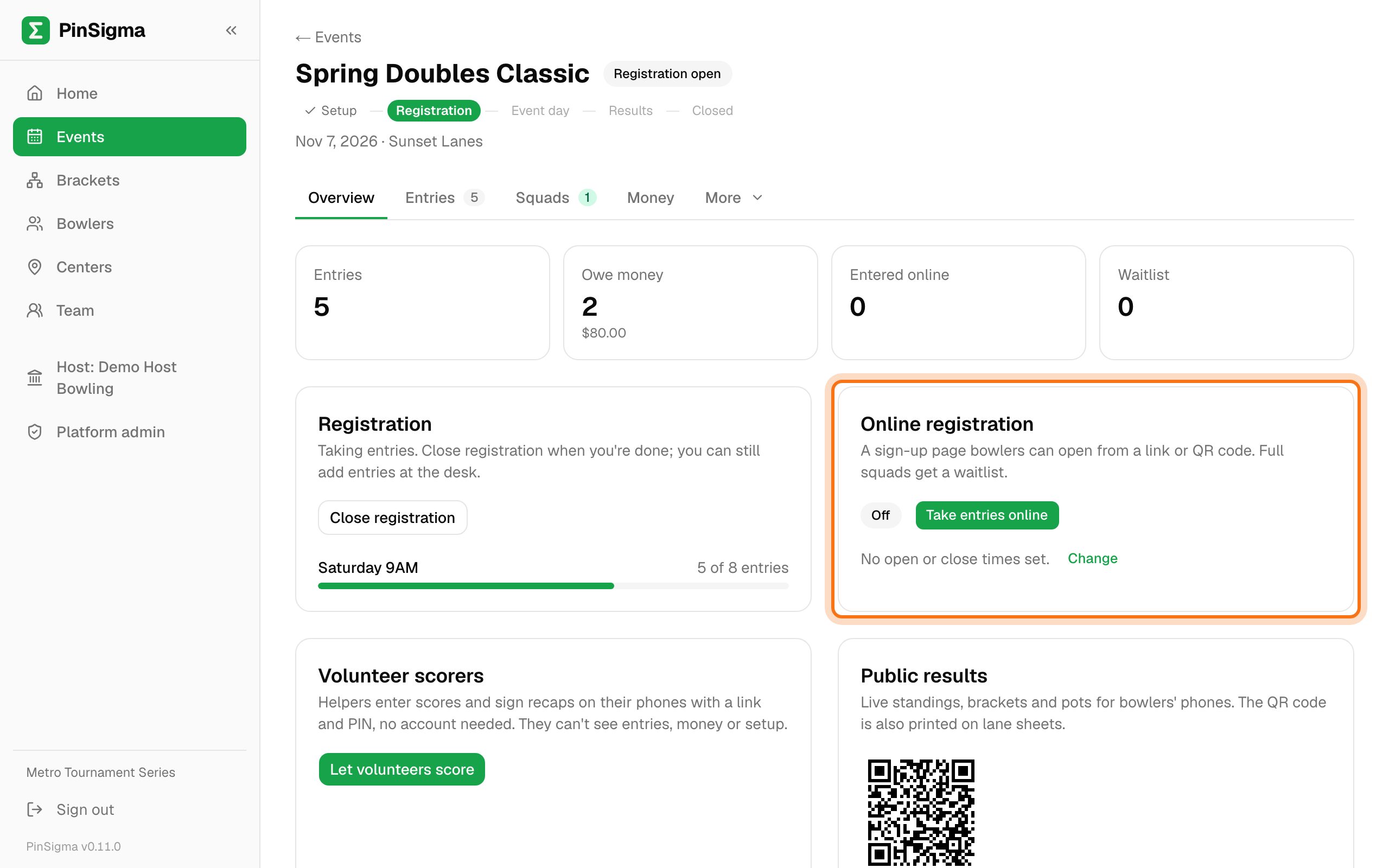
Find Online registration
On the event's overview while registration is open.
- 2
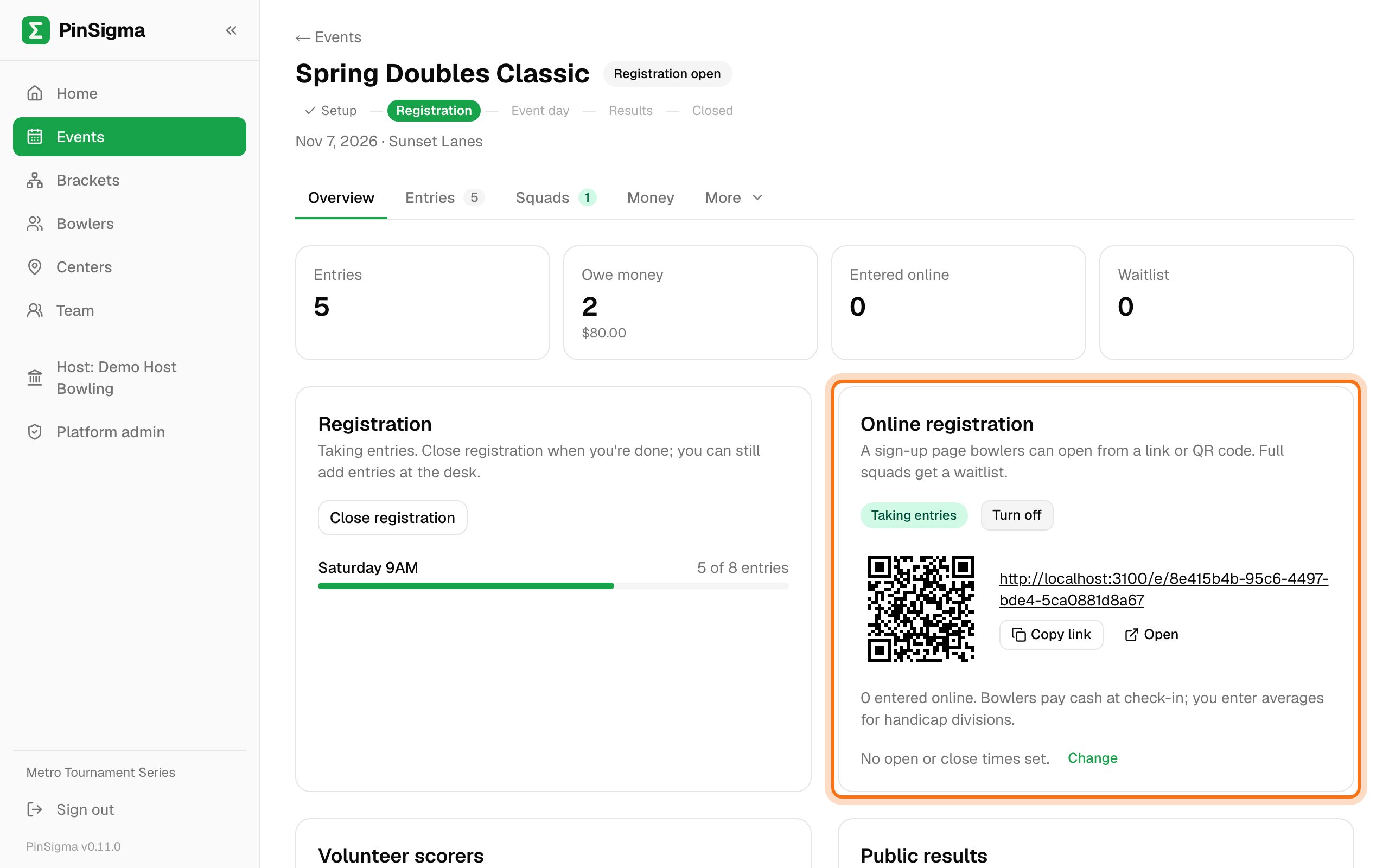
Share the link
Copy the link for your website, email or social posts, or print the QR code on flyers. Change sets when online entries open and close and a late fee; times are in the center's time zone.
What the bowler sees
- 3
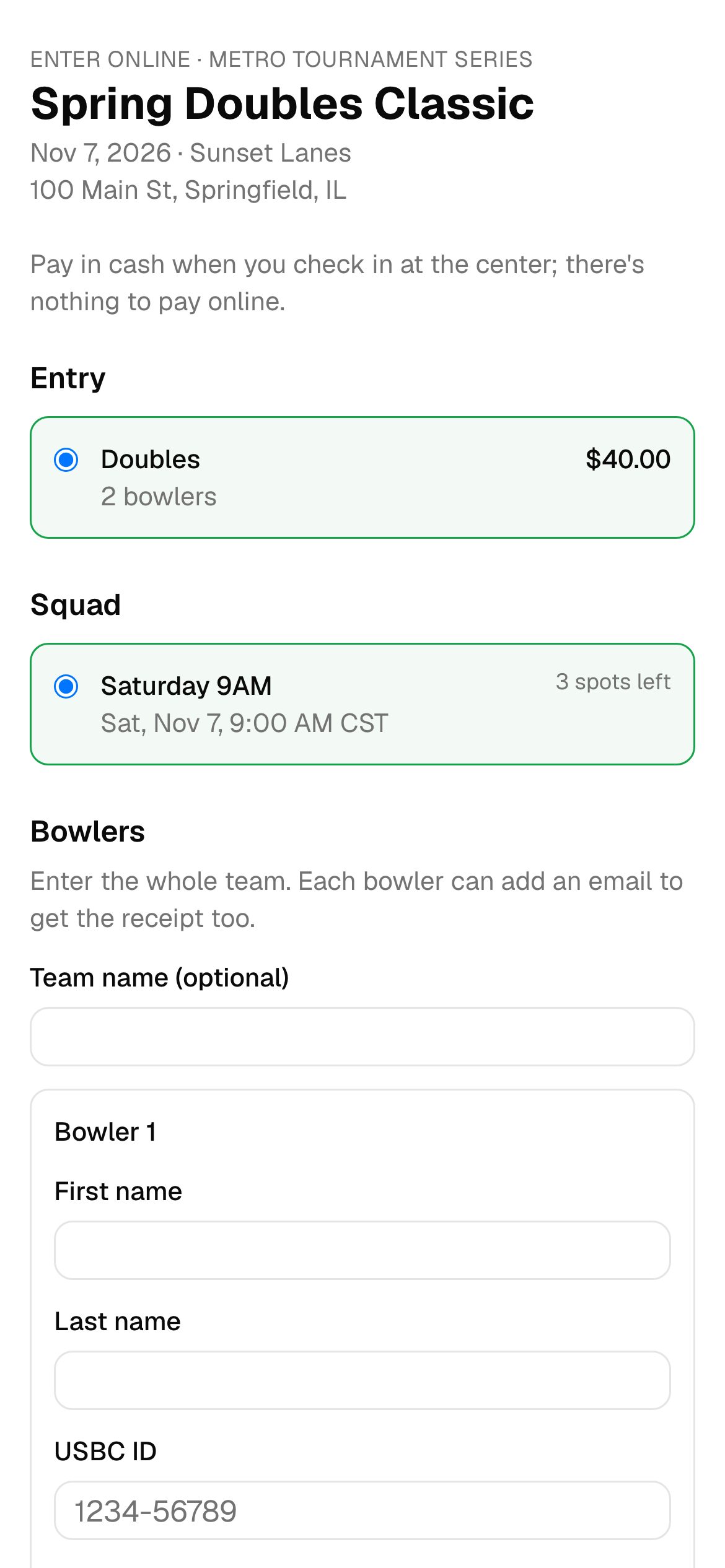
Open the link
Bowlers see the event, the entry types and fees, and each squad with the spots left. Nothing to pay online: they pay cash at check-in.
- 4
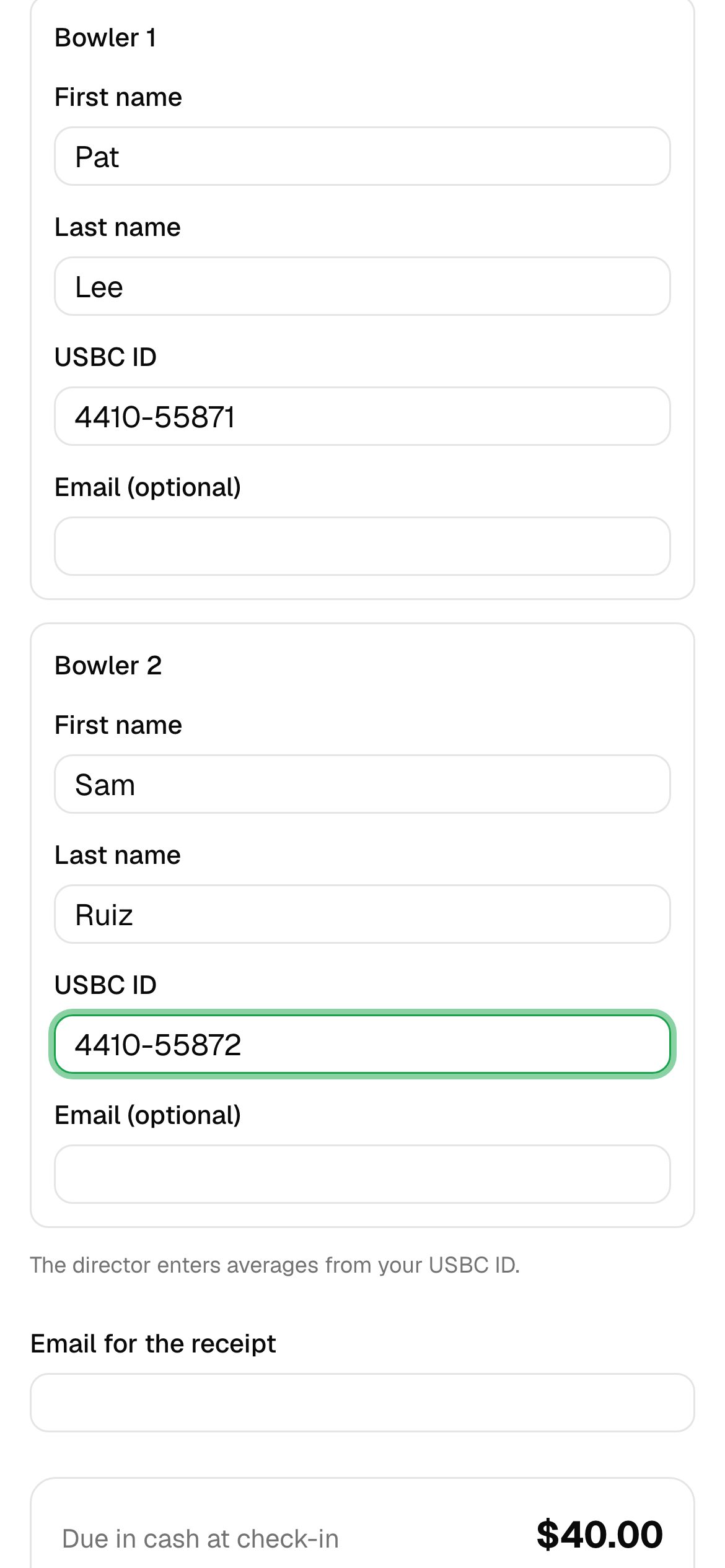
Enter the whole team
One person enters everyone. If a USBC ID is already on file, they're asked "Is this you?" so the same bowler isn't added twice. The director enters averages from the USBC IDs.
- 5
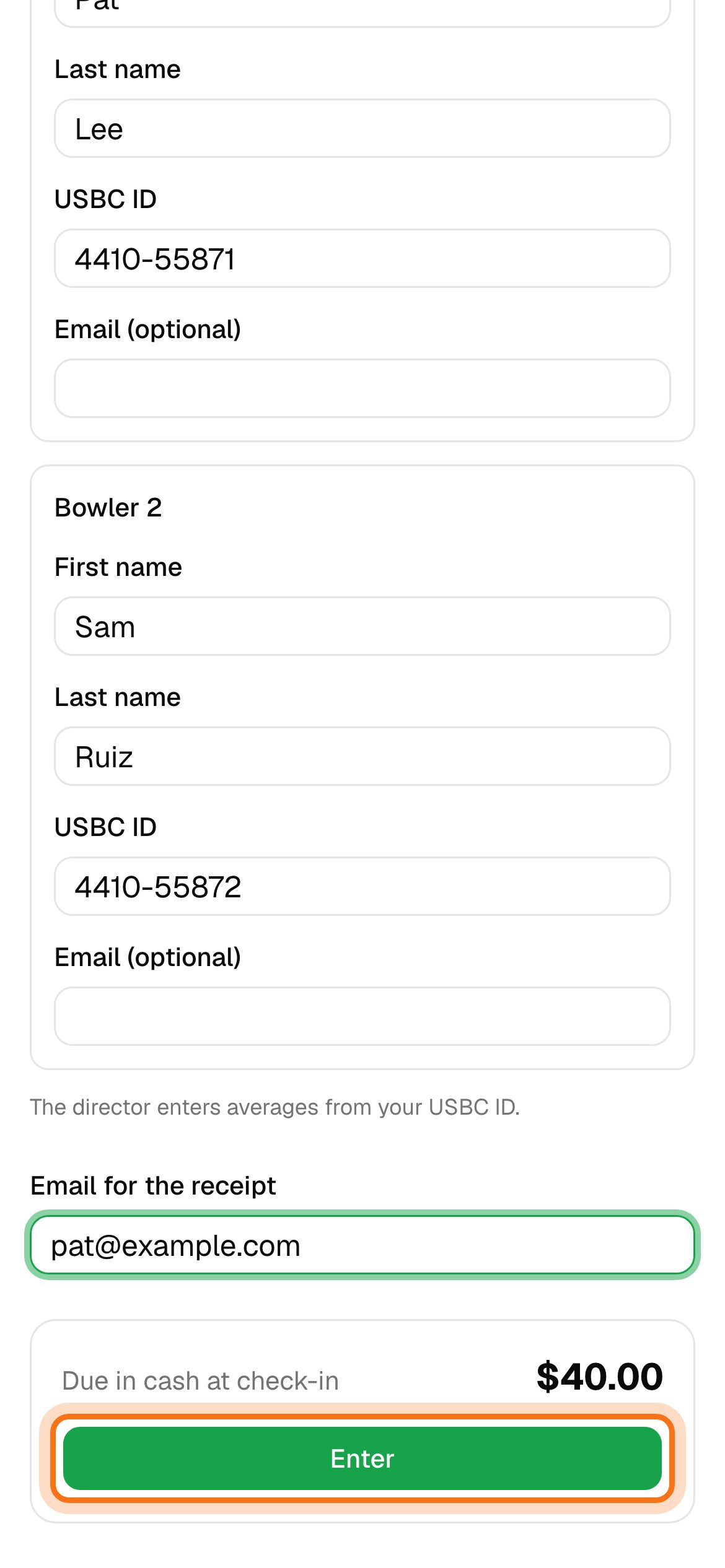
Check the total
The total due in cash shows before they send it.
- 6
They're entered
They get an entry number and an emailed receipt with a link to see or cancel the entry. If the squad is full, the button says Join the waitlist instead.

Back at the desk
- 7
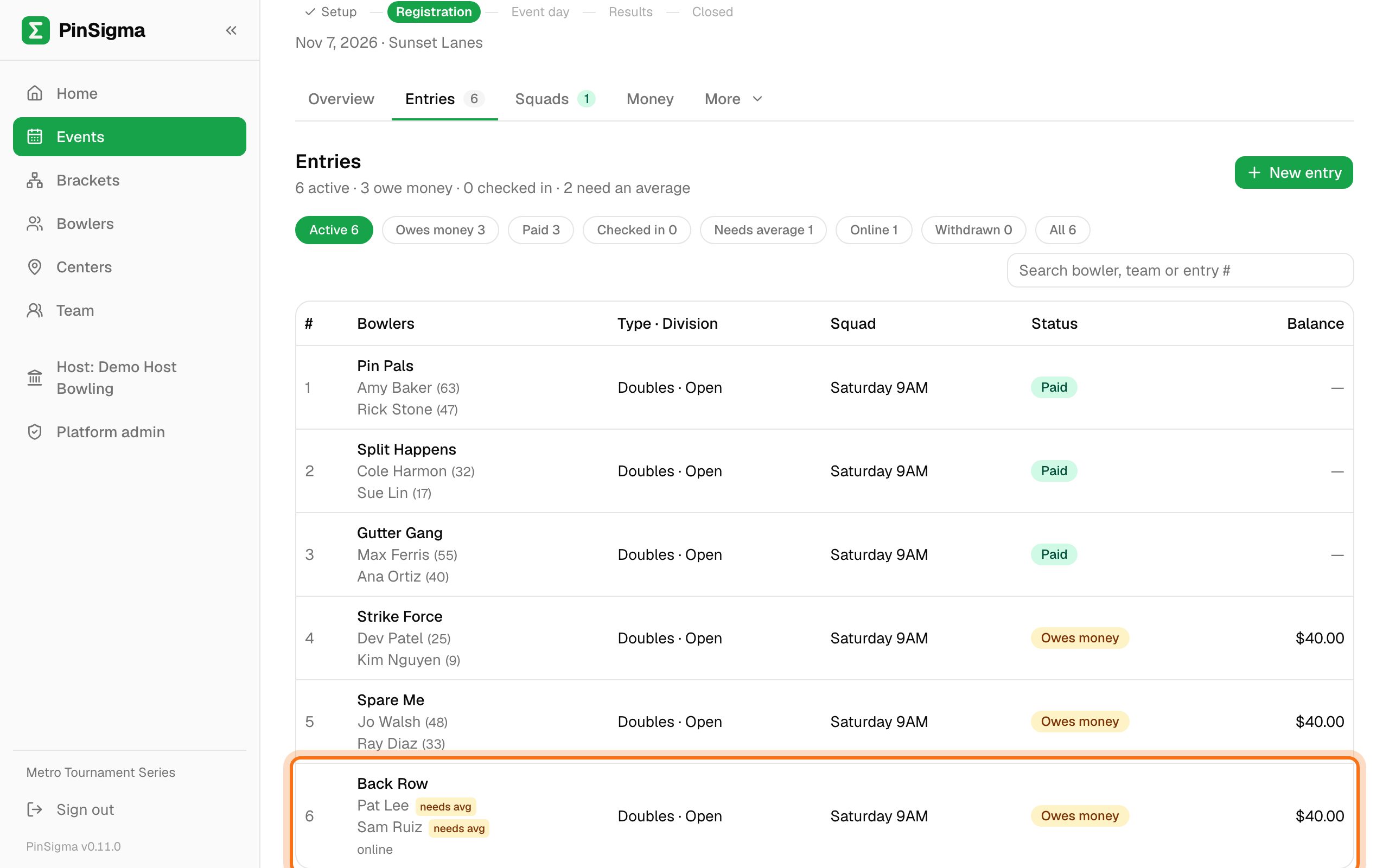
Online entries in the list
Online entries are marked online, and bowlers waiting on an average are marked needs avg: open the entry to enter it. A full squad's waitlist appears below the list, where you can move entries in.