Setup
Create an event
Start a tournament: name it, pick the bowling center and set the dates. Then the setup checklist shows what's left before you open registration.
Recorded with PinSigma v0.11.0 · updated October 18, 2026
Create the event
- 1
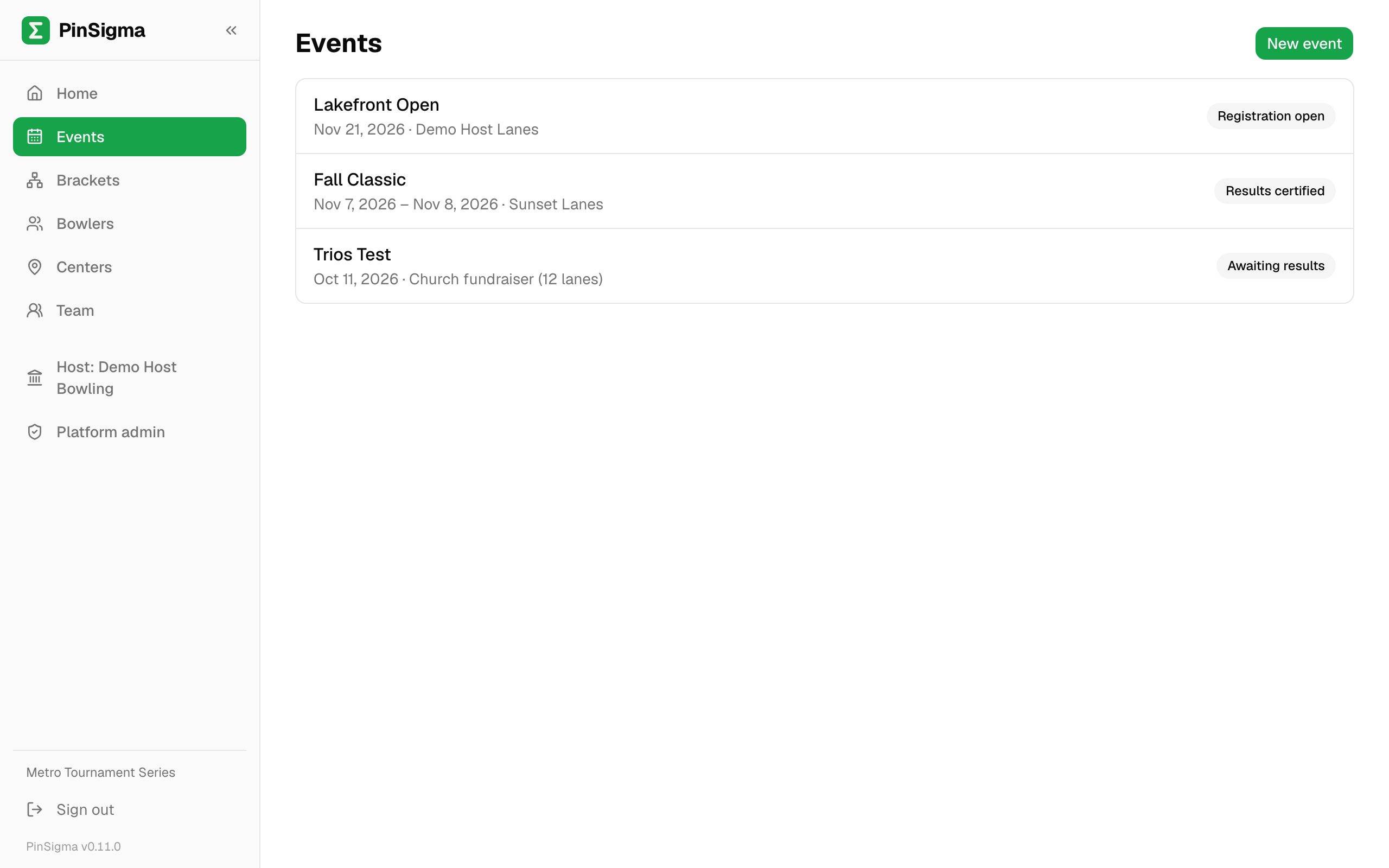
Go to Events
Events lists your tournaments: upcoming, under way and finished.
- 2
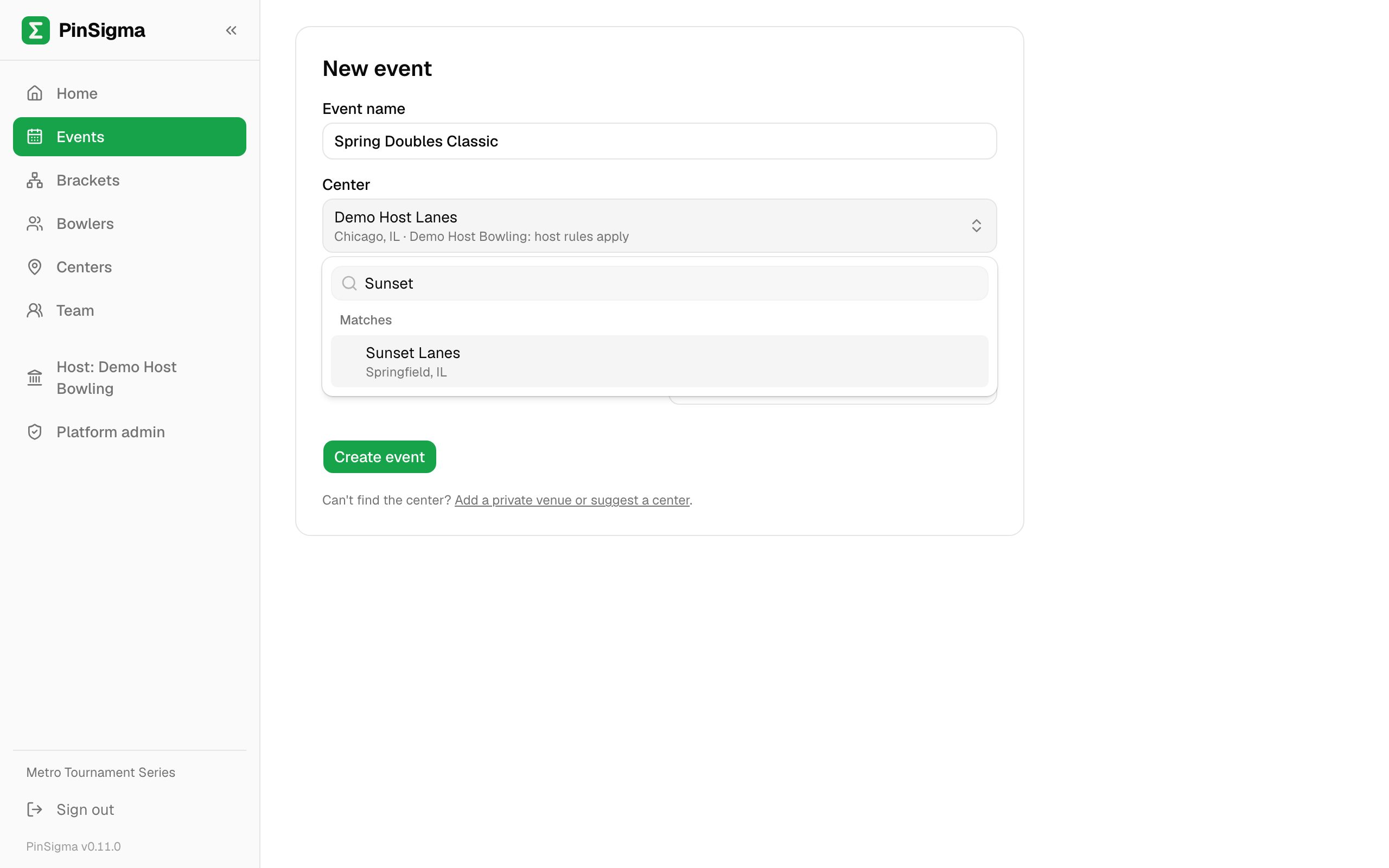
Name it and pick the center
Search the center by name, city or state. Your favorite centers show first. If the center isn't listed, you can suggest it or add a private venue from Centers.
- 3
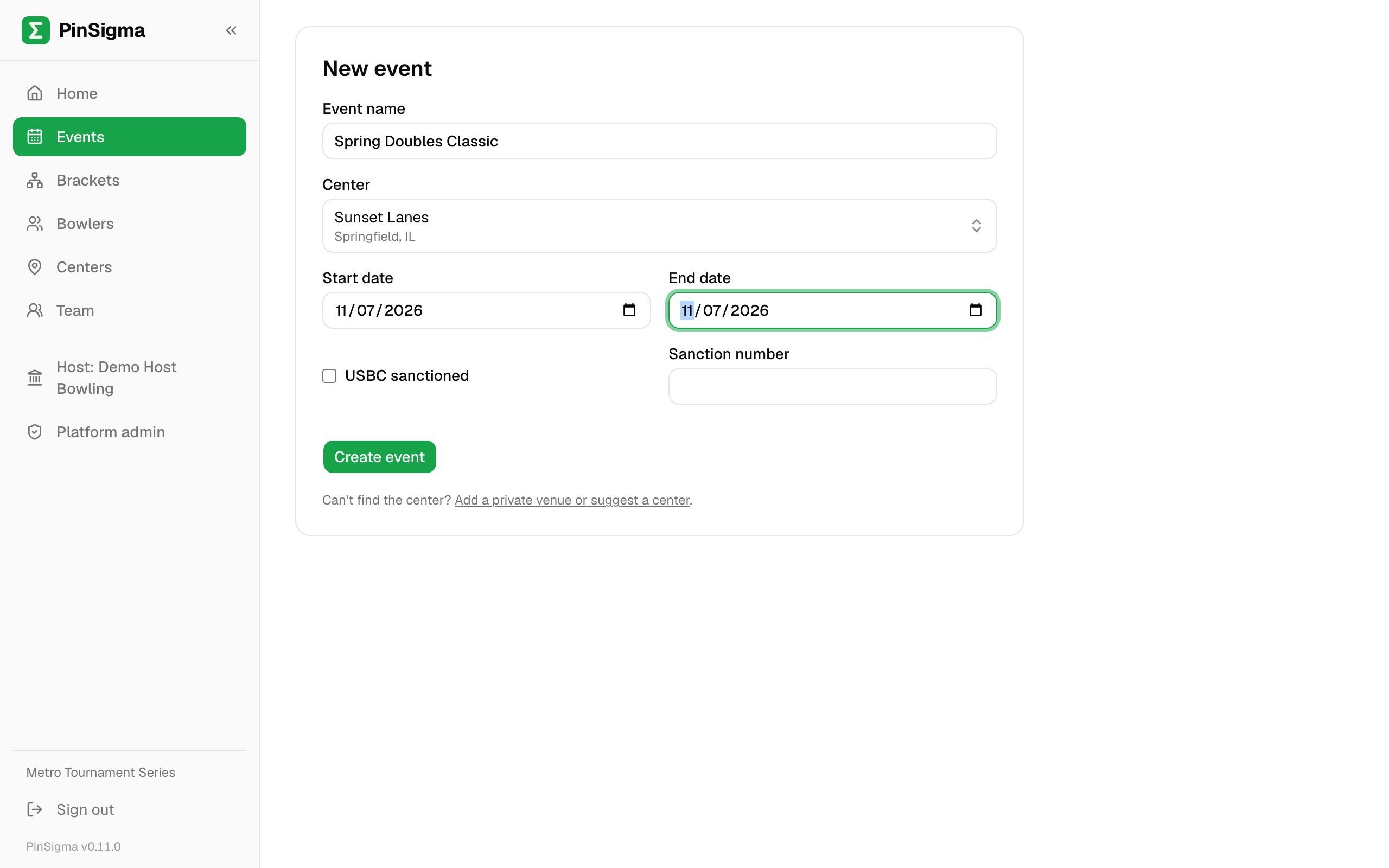
Set the dates
For a one-day event, use the same start and end date. Times (like squad start times) come later and use the center's time zone.
- 4
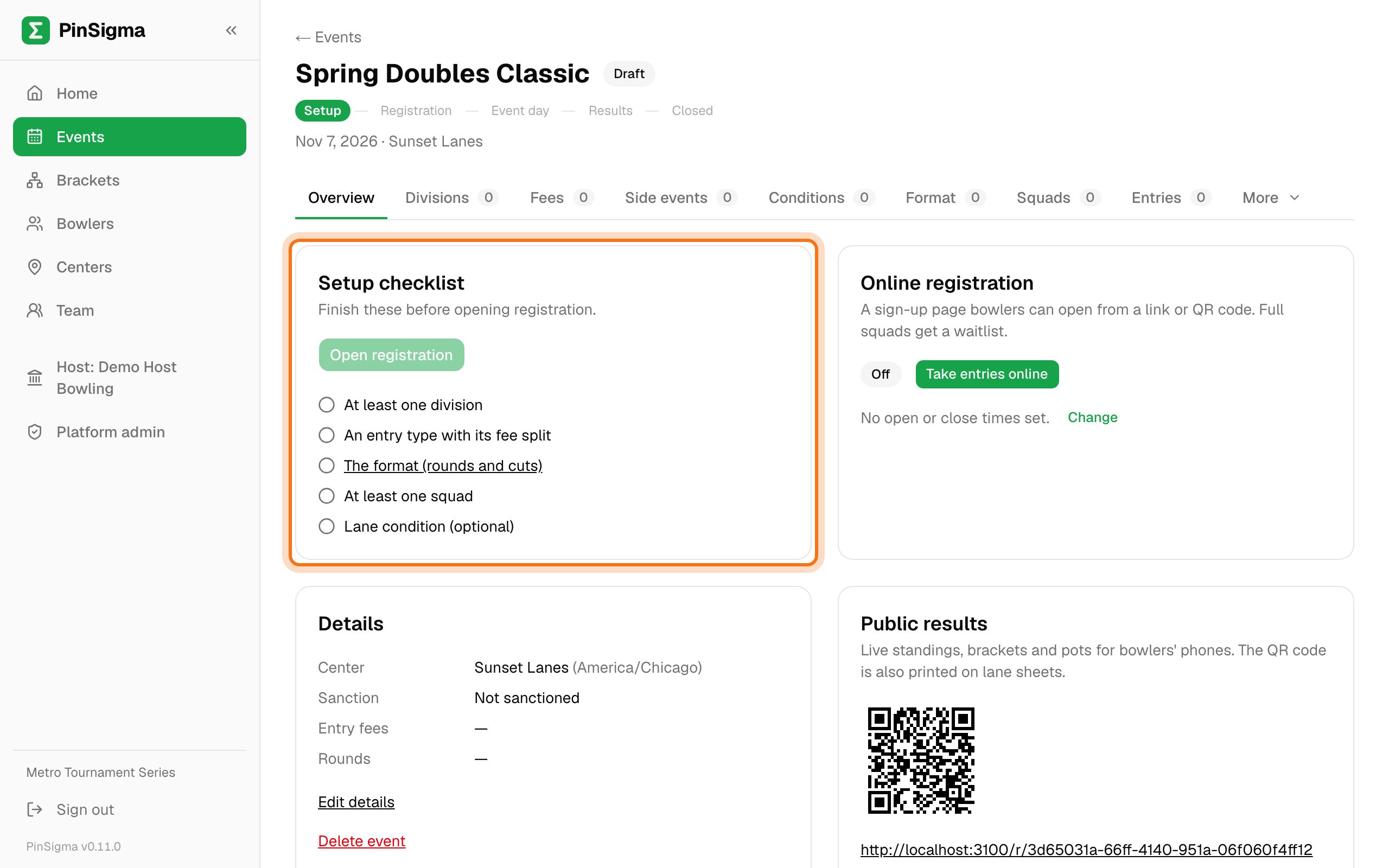
Follow the setup checklist
The new event opens on its overview with a setup checklist: divisions, an entry type with its fees, the format and at least one squad. Each item links to where you set it up.