Setup
Getting started
Create your account and organization, find your way around Home, and add the centers where you run events.
Recorded with PinSigma v0.11.0 · updated October 18, 2026
Sign up
- 1
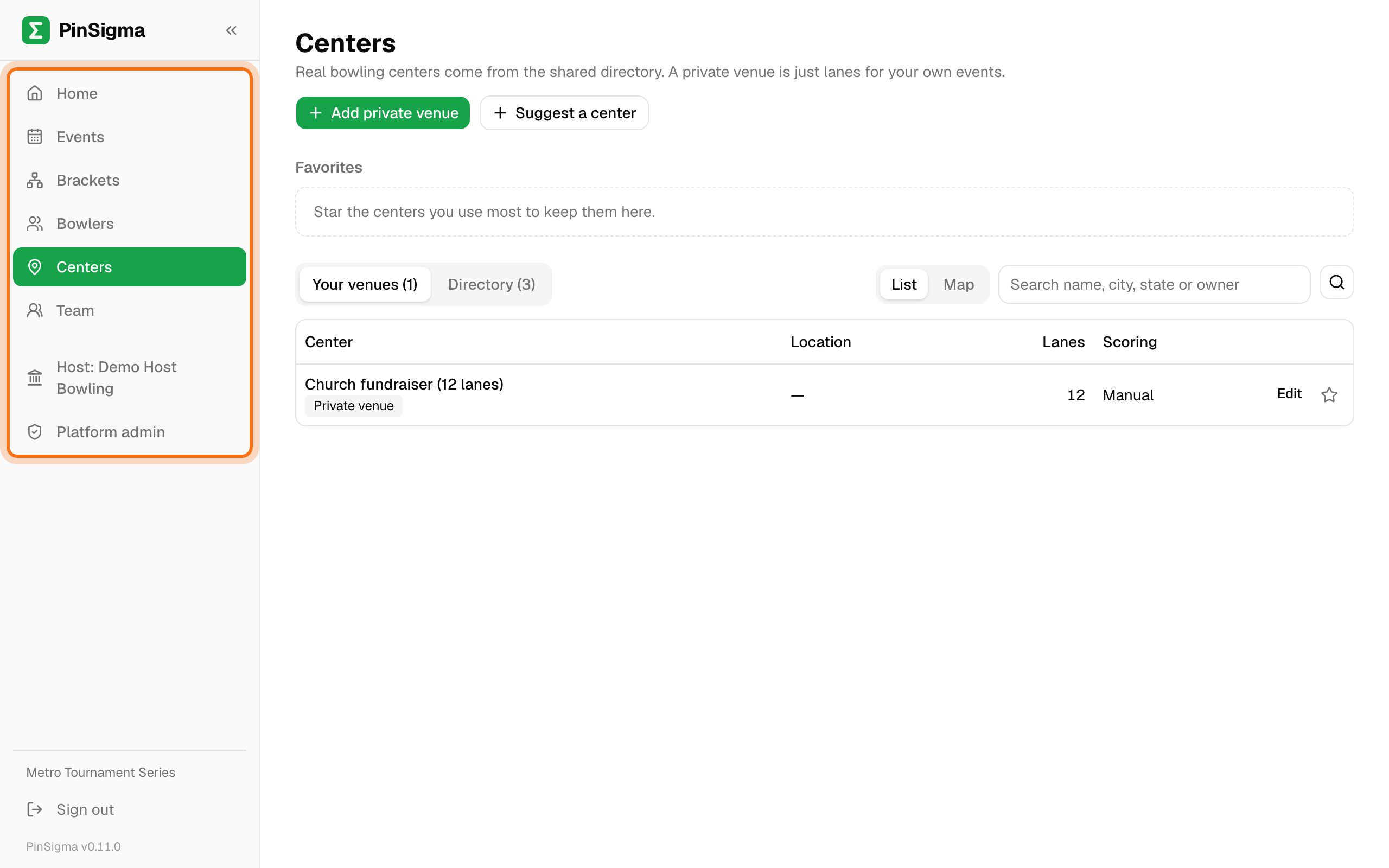
Create your account
Sign up with your name, email and a password, then name your organization: your tournament series, league or club. Everything you run lives under it, and you can invite your team later.
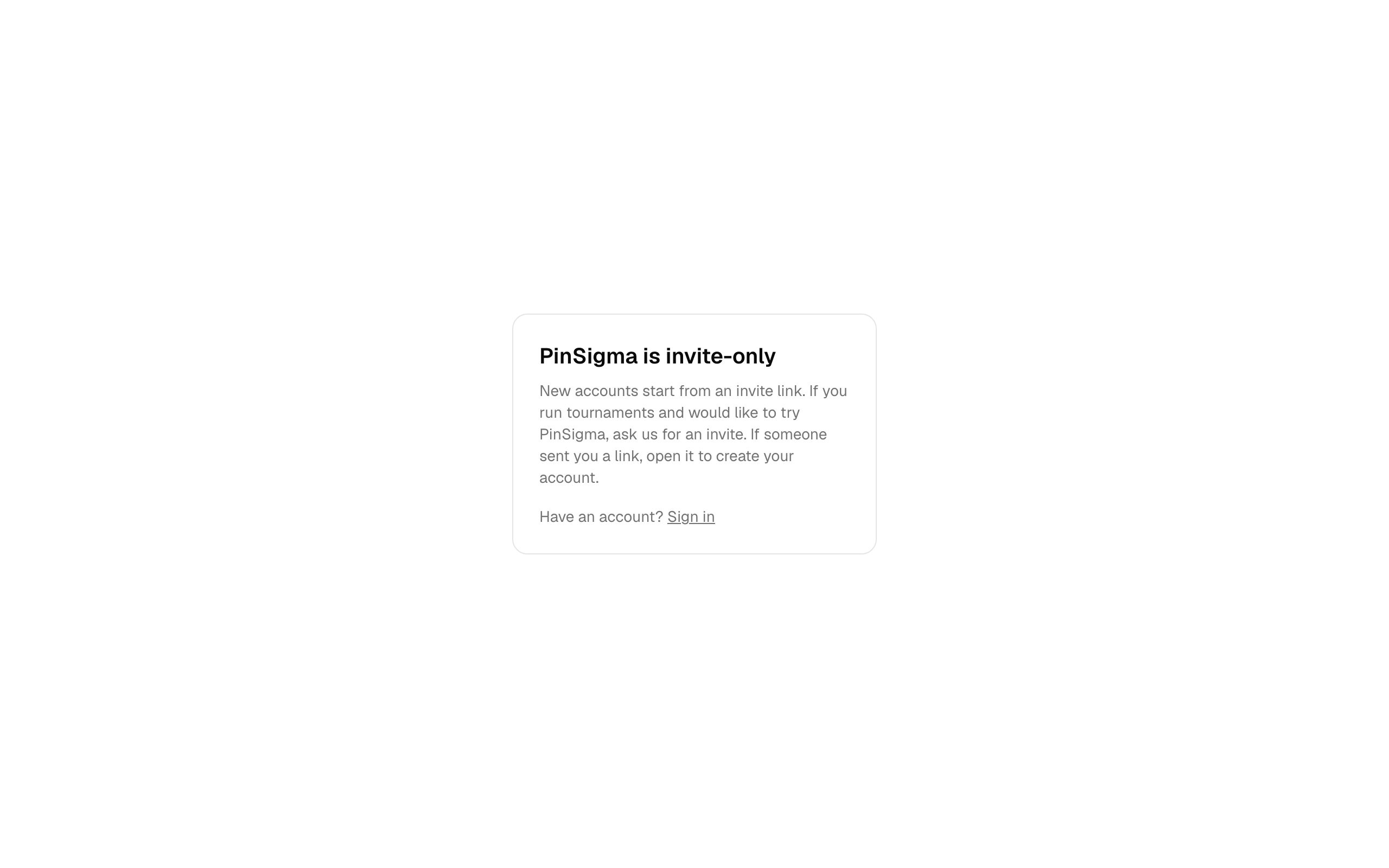
Find your way around
- 2
Home
What's happening now: events on today, squads on the lanes, what still needs doing (entries owing, results to certify, payouts to make), and what's coming up.
- 3
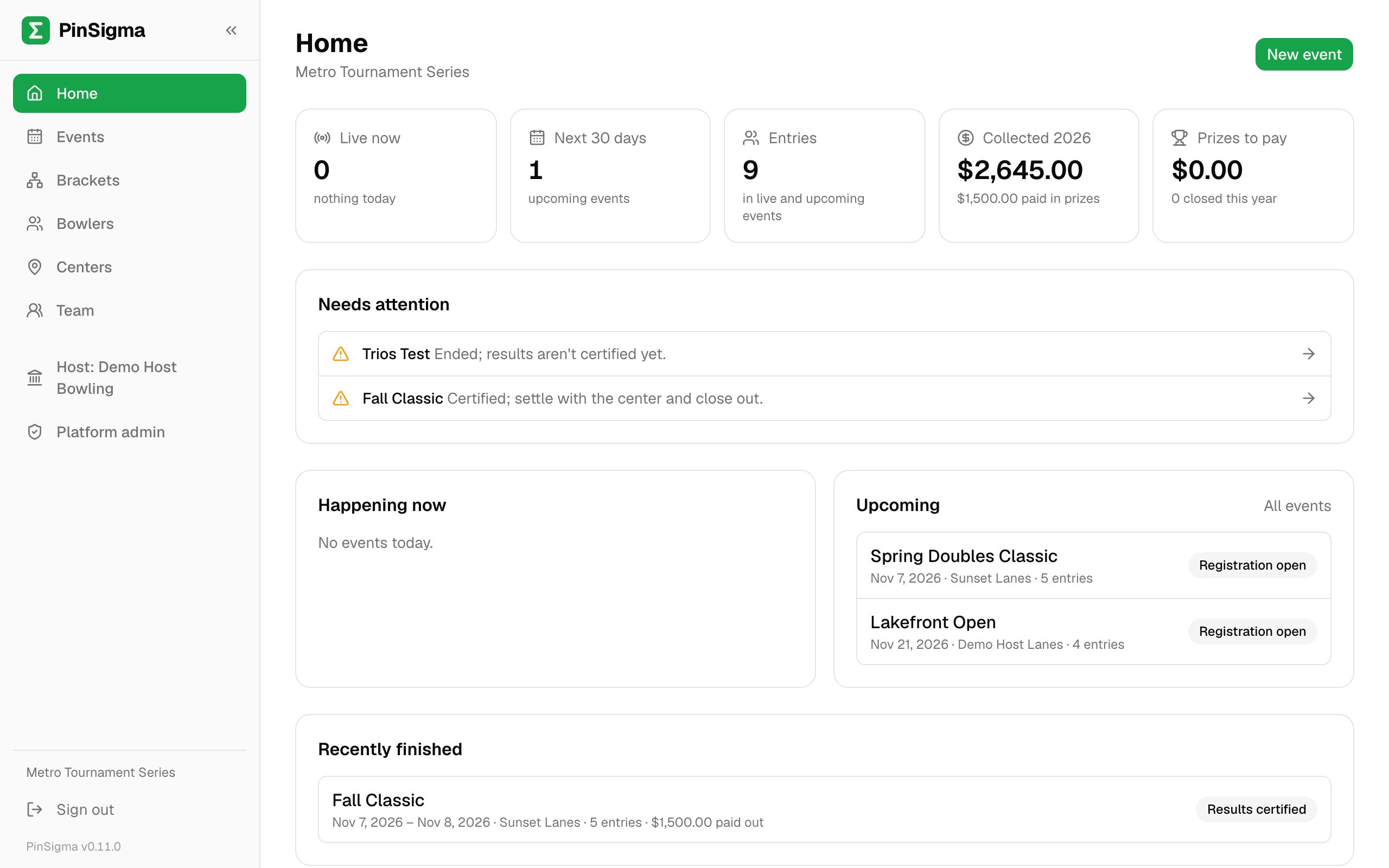
Centers
Find the bowling centers you run at and star your favorites so they come first when you create an event. Can't find one? Add it as a private venue, or suggest it for the directory. Some centers set house rules for events in their building.
- 4
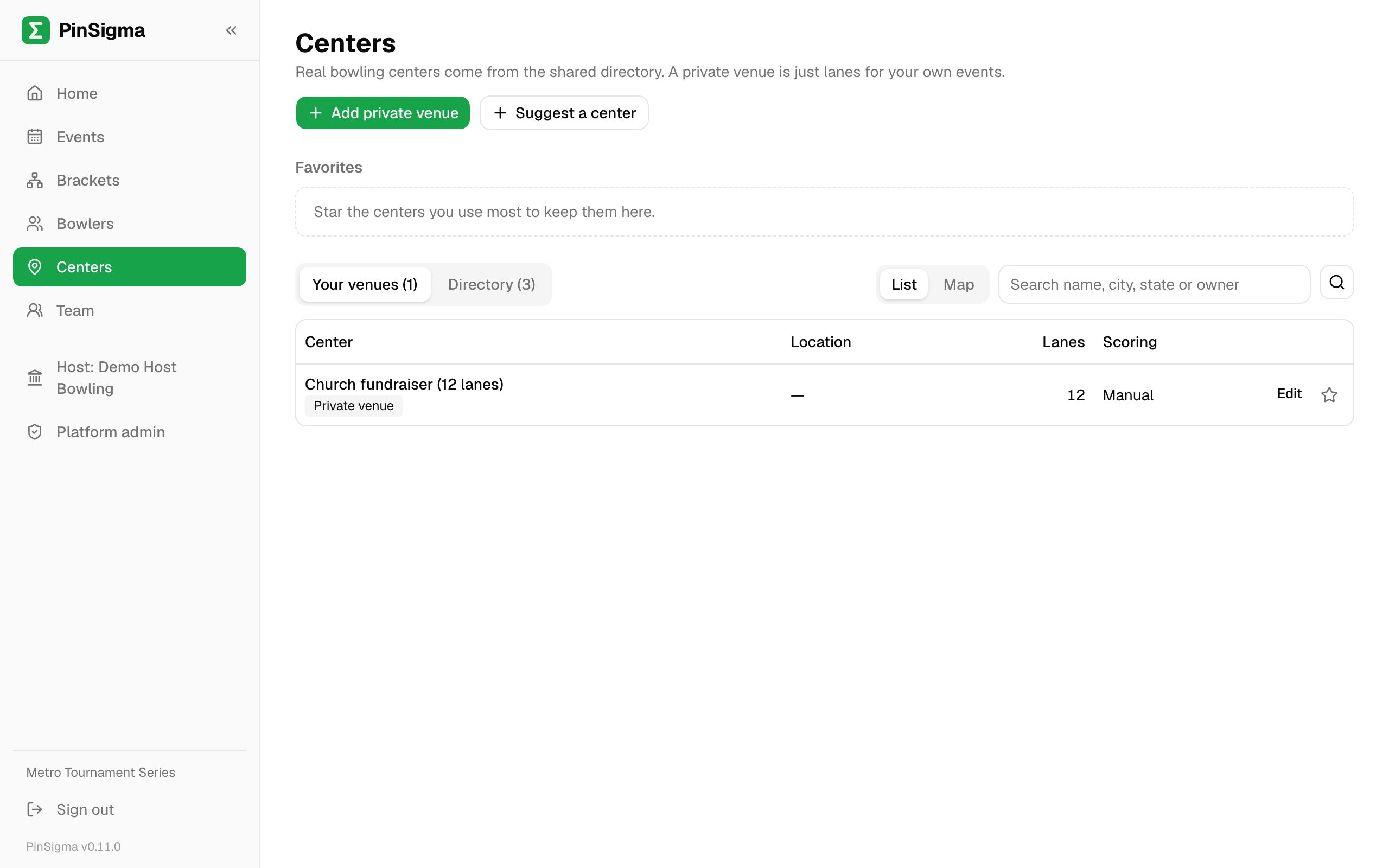
Events and Brackets
Events is where tournaments live, from setup to close-out. Brackets is for brackets on their own: a league every week, or one-off brackets at someone else's tournament.